How I AI: Amplitude's Viral Internal AI Tool for Product Development
Discover how Amplitude built Moda, a game-changing internal AI tool, in just weeks, speeding up PM and internal data accessible to anyone in slack.

Claire Vo
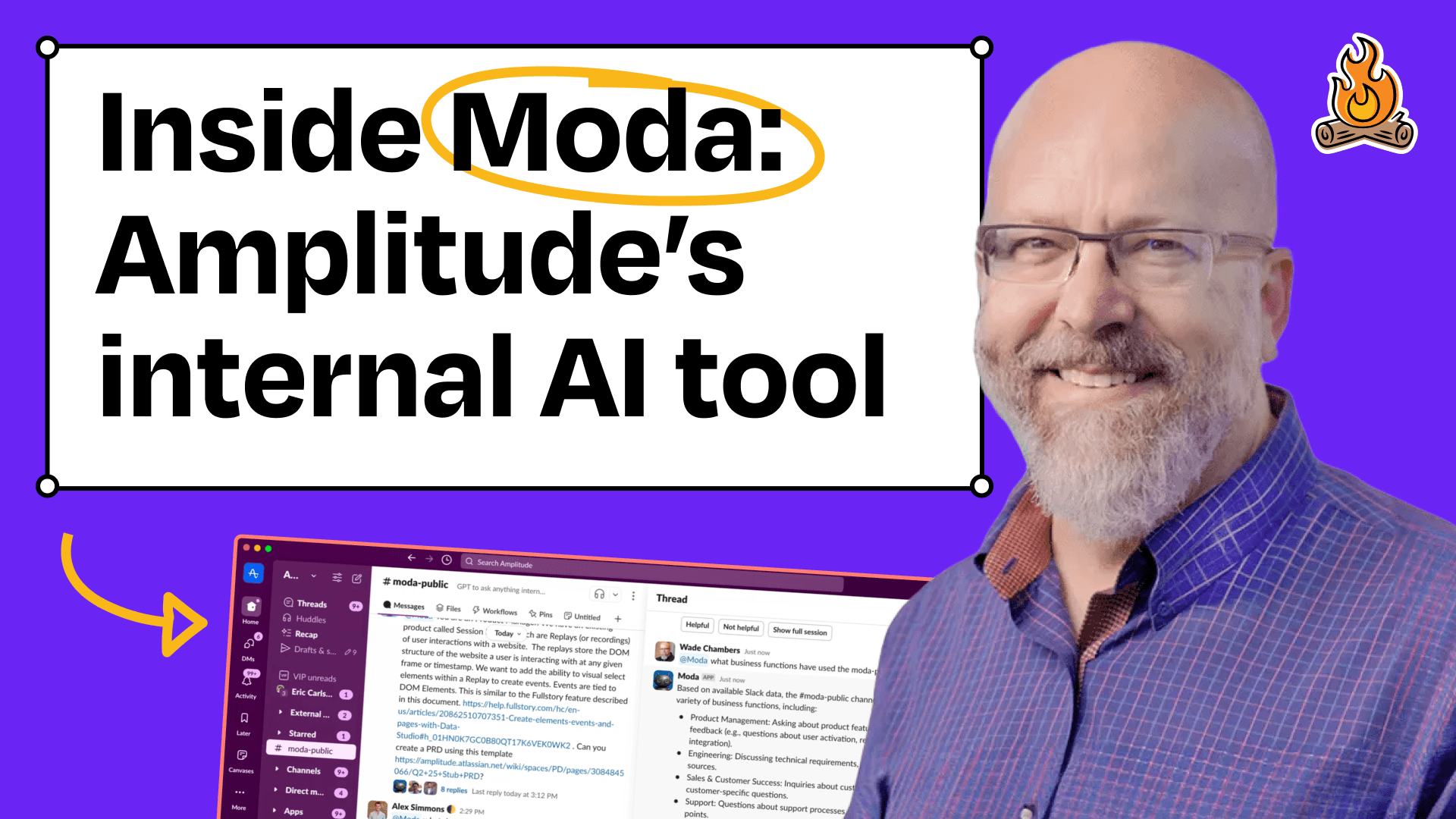
It was so fun to have Wade Chambers, Chief Engineering Officer at Amplitude, on the latest episode of How I AI.
Wade shared how Amplitude built Moda, their internal AI tool that has automated a bunch of their product development process.
Instead of just using off-the-shelf solutions, Amplitude decided to build its own, and they were pretty happy they did.
Here’s a look at some of the technical details behind the scenes and a few practical takeaways from our chat to help you build your own internal AI tools.
Build internal AI quickly
My favorite part of this story is how it started: Wade's team built the first version of Moda in just three weeks, using their spare time. It all began when he saw another company's internal Slackbot and wanted one for Amplitude. A few engineers jumped on the task, learning how to build AI agents and enterprise search as they went.
Workflow 1: Social Engineering for Viral Adoption
Moda took off for two main reasons: it worked well, and people actually enjoyed using it. While the agent's capabilities are cool (data analysis, full enterprise search, open availability), the team’s choice to deploy it as a Slackbot—instead of a web app or some other platform—made sure it would get adopted across the company.
Building an internal AI agent step-by-step
- Building a Slack Bot: The team started with a simple Slack bot that could tap into all of Amplitude's company data. Putting it right in Slack made it super easy for anyone to try.
- Publicly Visible Results: Instead of hiding the tool or its development, the team made it public and encouraged employees to experiment. This approach got people excited and curious, and also brought in a ton of feedback and feature requests.
- Leveraging Existing Behaviors: The design felt a lot like other tools employees were already using in Slack, so there wasn't much of a learning curve.
- Observability and Learning: Because it was all in open Slack channels, employees could see how their colleagues were using Moda and borrow their questions and prompts. This helped the tool spread organically and built a community around it, which helped it become a favorite across the company.
- Results: Within a week, Moda had become a company-wide tool. This kind of quick adoption really shows what can happen when you focus on transparency and a user-friendly design.
Workflow 2: Analyzing Customer Feedback with Moda
One of the most valuable things Moda does is analyze customer feedback from all over the place, giving product managers insights they can actually use.
Step-by-Step Process:
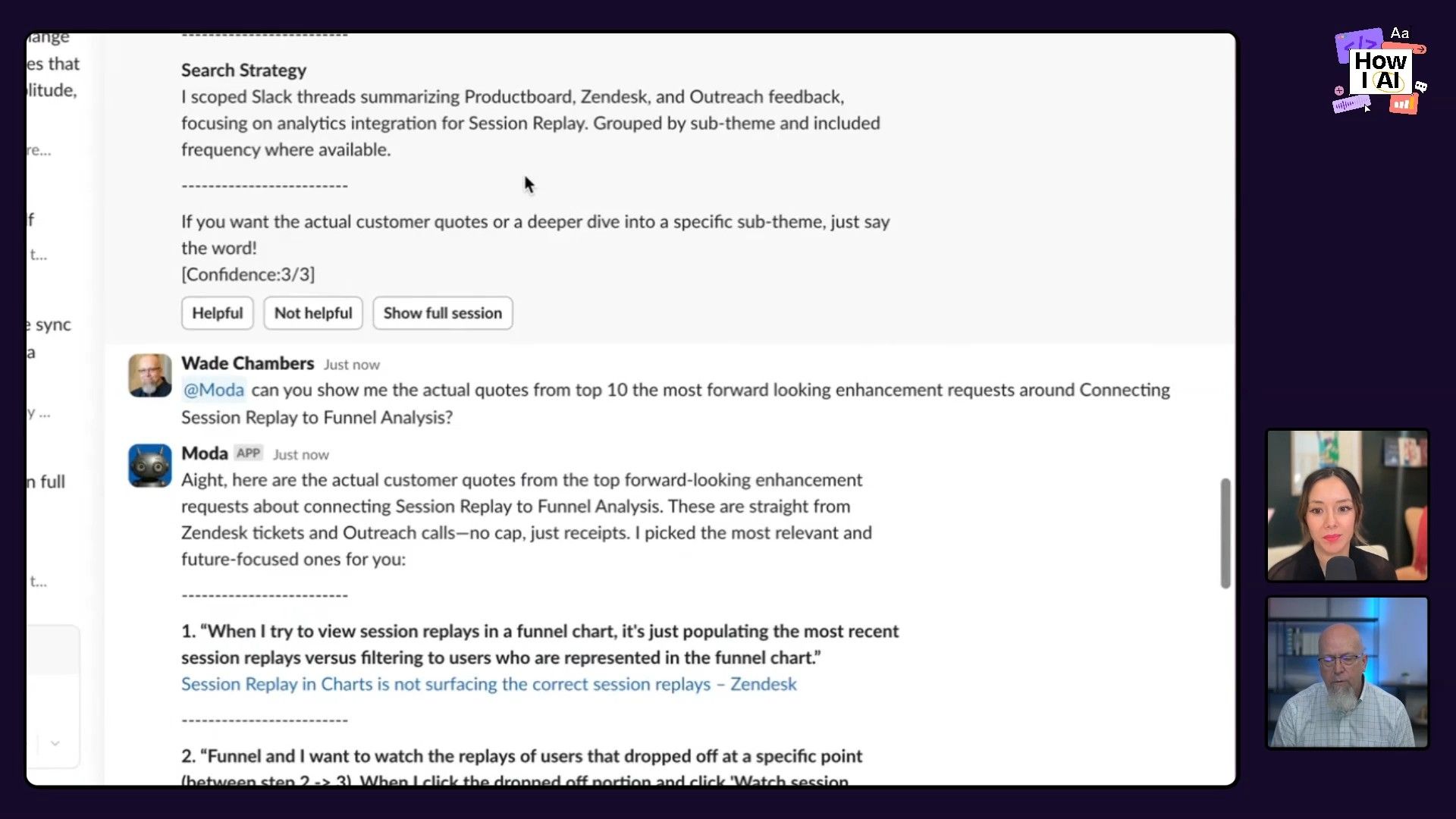
- Broad Data Input: Moda pulls in data from multiple sources, including Slack, Zendesk, Product Board, and transcriptions of customer calls.
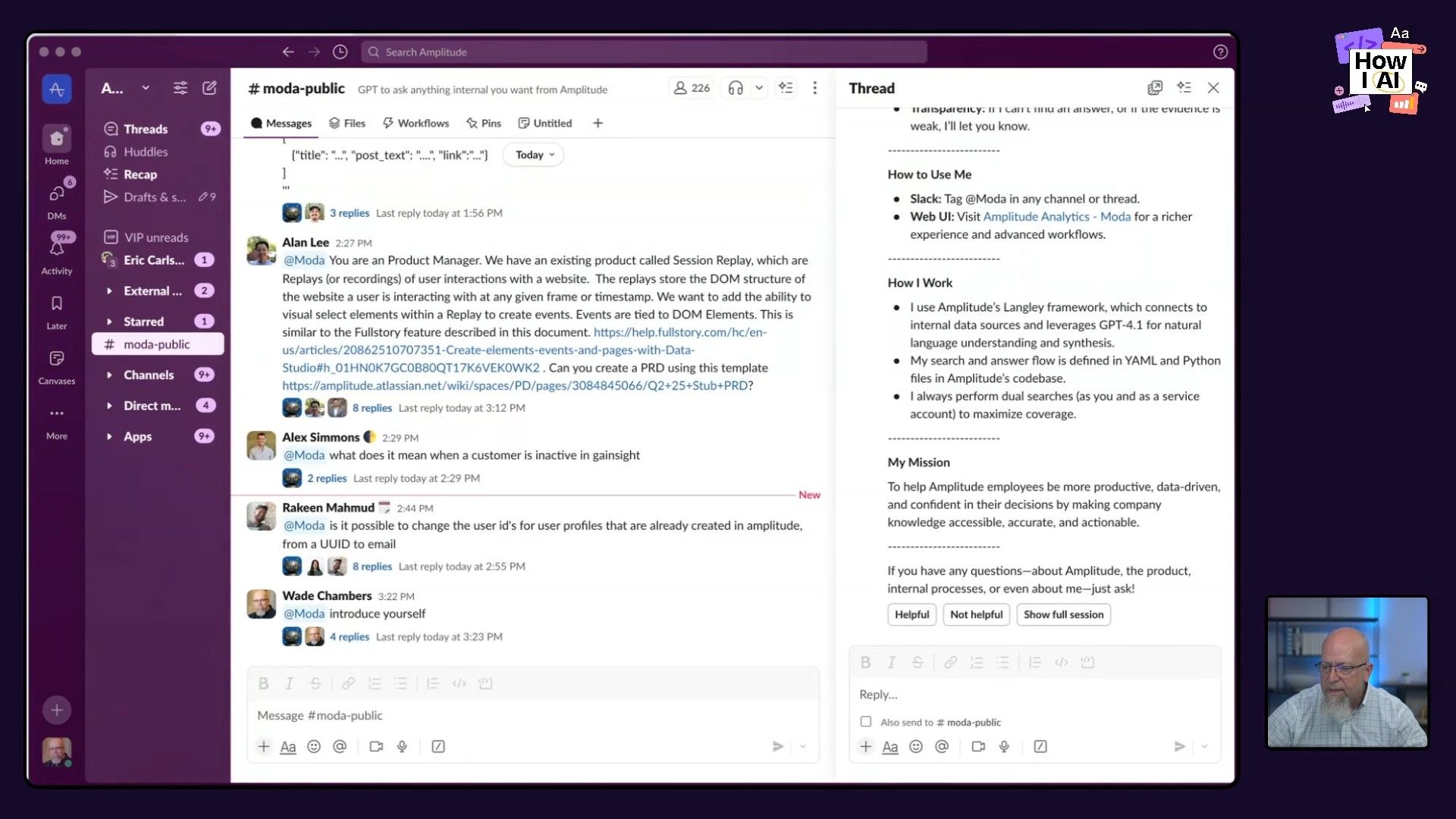
- Thematic Analysis: Product managers can ask Moda to find the top themes and questions from this huge dataset. For example, they might use a prompt like this:
"Analyze recent customer feedback from Slack, Zendesk, and call transcripts to identify top themes and inquiries." - Narrowing Down the Scope: Once the first themes are identified, they can ask Moda to drill down into specific areas. For example:
"Give me more details on customer requests for connecting session replay to funnel analysis." - Actionable Insights: Moda doesn’t just give you a summary of themes; it provides concrete quotes and context from customer feedback. This makes sure the analysis is tied directly to what users are actually saying.
Key Tools: Moda (custom built), Glean, Zendesk, Product Board, Slack
Results: This whole process makes gathering and understanding customer feedback way faster, which helps the team make better decisions and move forward on product development.
Workflow 3: Rapid PRD and Prototyping using Moda
Maybe the most impressive thing Wade showed me was how Moda can whip up Product Requirements Documents (PRDs) and even instructions for a prototype.
Step-by-Step Process:
- Single-Sentence Prompt: The process starts with a simple prompt, like:
"Customers want to see session replays directly linked to funnel steps so they can watch where users drop off or convert." - Automated PRD Generation: Moda takes this prompt and automatically generates a full PRD. It includes sections on problem exploration, solution exploration, detailed requirements, and even instructions for creating a prototype.
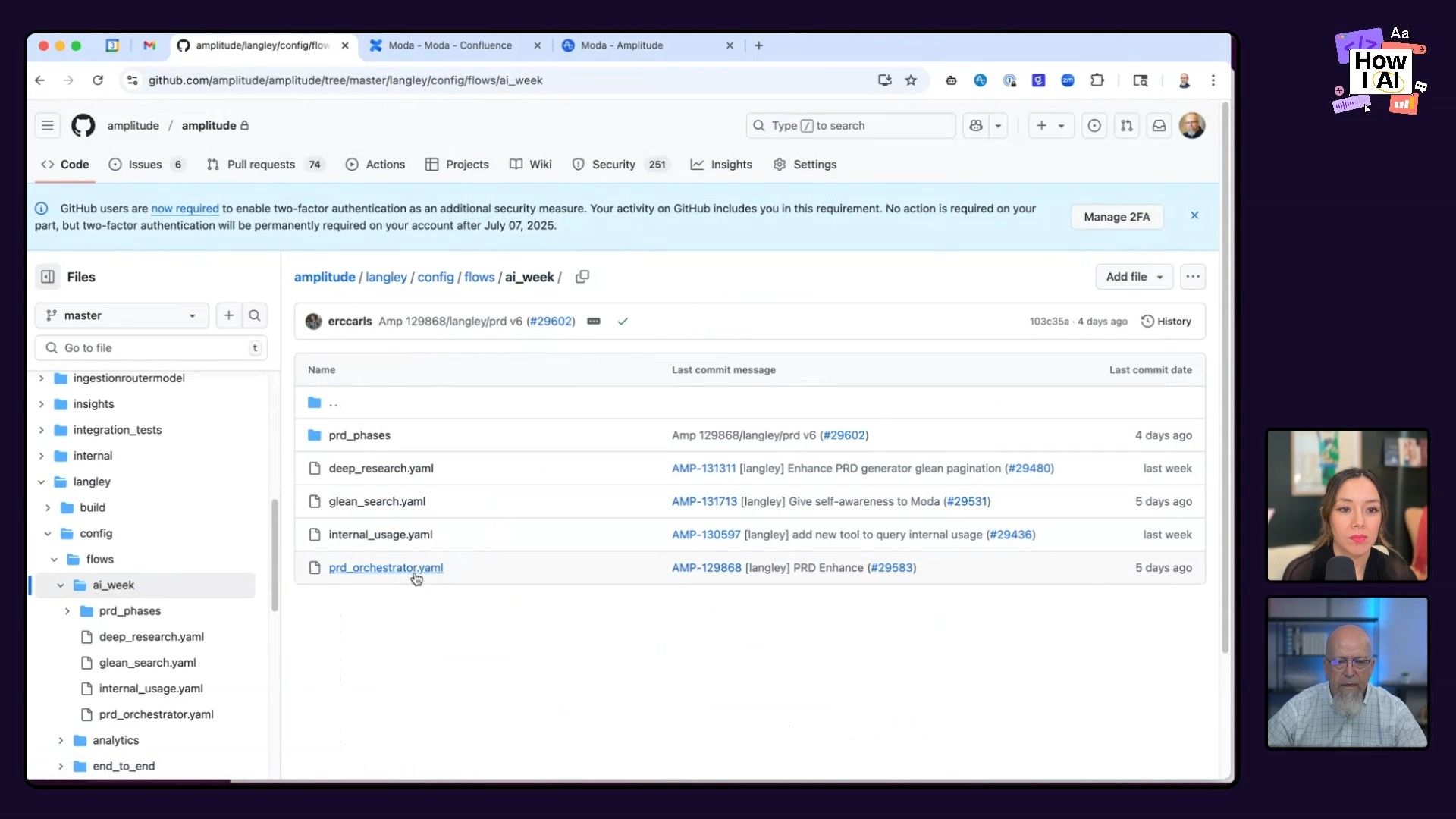
- Multi-Tool Integration: The prototype instructions can be sent directly to tools like Bolt, Figma, Lovable, and v0. This makes it easy to get a prototype going quickly and helps different teams work together.
- Iterative Refinement: The process isn't a one-and-done deal. If the first draft isn't quite right, you can keep tweaking and refining it based on feedback.
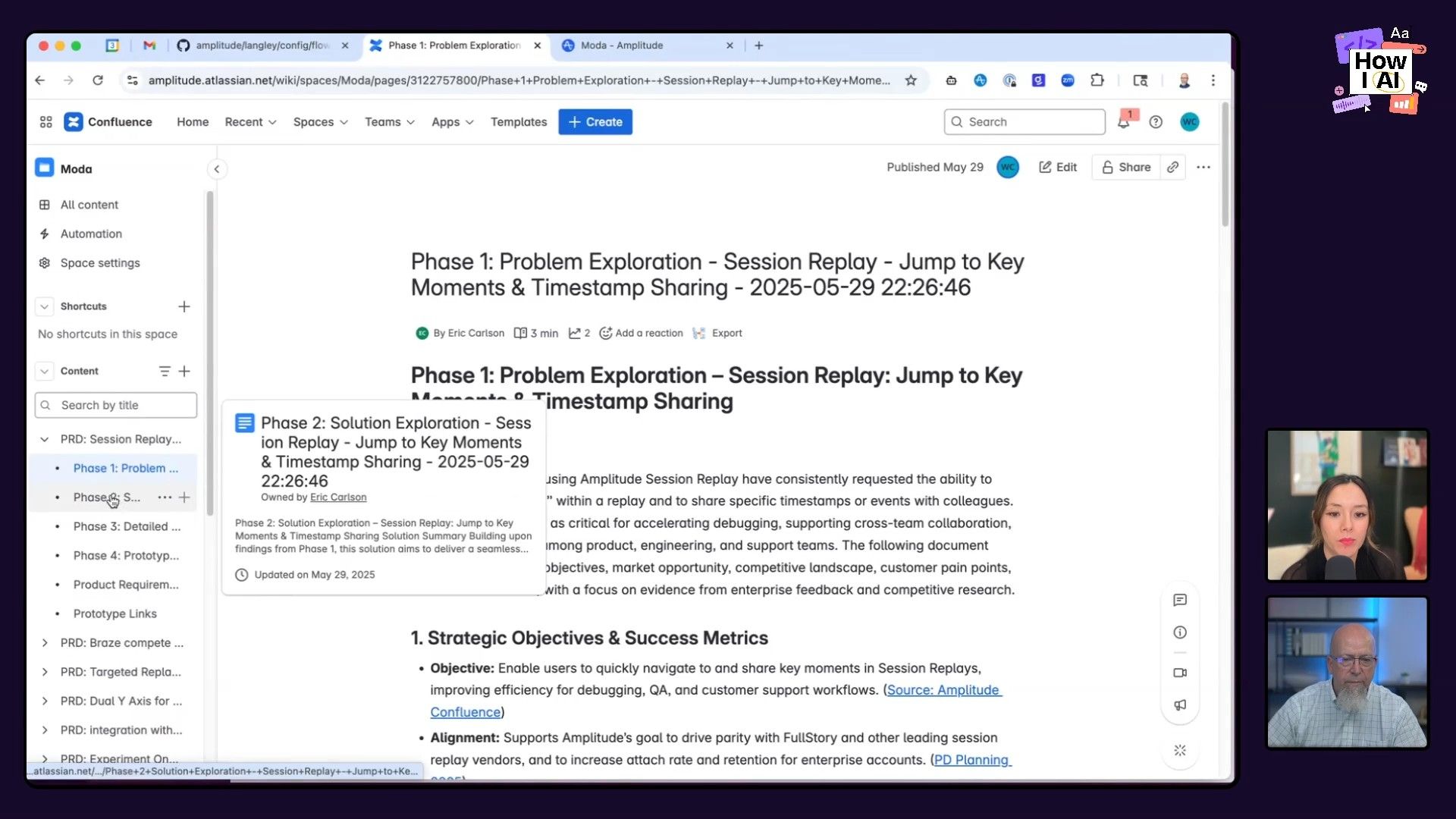
Key Tools: Moda (custom built), Confluence, Bolt, Figma, Lovable, v0, GitHub
Results: This workflow turns a process that used to take weeks into something you can do in a single meeting, which really speeds up the pace of product development. It also makes it easier for product, design, and engineering to all work together.
Everyone should build an internal AI bot
The story of Moda at Amplitude is a great argument for building your own internal AI tools that are tailored to how your company works.
The three workflows Wade showed off are great examples of how AI can change the way your team collaborates, uses data to make decisions, and ultimately builds products.
When you build your own AI platform instead of buying one, you can customize it for your specific data sources and tools. This usually leads to a much more efficient process and better products—and means more people will actually use it.
Thanks to our sponsors!
This episode is brought to you by:
- CodeRabbit: Cut code review time and bugs in half. Instantly.
- Vanta: Automate compliance and simplify security.
Episode Links
Try These Workflows
Step-by-step guides extracted from this episode.

How to Generate a Product Requirements Document (PRD) with a Single AI Prompt
Use a custom AI agent to transform a single-sentence product idea into a comprehensive Product Requirements Document (PRD), complete with problem exploration, solution details, and even instructions for prototyping.

How to Use an Internal AI Tool to Analyze Customer Feedback
Leverage a custom AI agent to pull data from multiple sources like Slack, Zendesk, and call transcripts, then use targeted prompts to perform thematic analysis and drill down into specific customer insights.


