How I AI: Brian Greenbaum's 3-Step Playbook for Driving Company-Wide AI Adoption
Discover the step-by-step playbook Pendo's Brian Greenbaum used to drive AI adoption across his entire product organization. Learn how to kickstart an AI initiative, structure a company-wide learning program, and measure success to build a culture of AI experimentation.

Claire Vo
Most How I AI episodes focus on specific workflows for building things. But a question I hear constantly is: "How do I get my whole team to actually use this stuff?"
Brian Greenbaum, a product designer at Pendo, figured this out. He built a step-by-step program that got his product and design teams genuinely excited about AI. The story starts, surprisingly, while he was on paternity leave playing with an AI coding tool.
In this episode, Brian shares everything: the exact Slack message he sent to leadership, how he structured interactive workshops, and the framework he used to measure results. If you want to lead your team's AI adoption, this is the playbook.
Workflow 1: Starting the Initiative
Step 1: Have a Personal Experience Worth Sharing
On paternity leave, Brian started playing with Cursor, an AI code editor. He had an idea for a music app—scan a QR code on a physical card to play an album on Spotify, like a modern record player. He's not a developer, but:
"I pulled up Cursor and within a couple hours I had a working prototype. I was creating QR codes, PDFs, doing all this really cool stuff."
At Pendo, Brian works on analytics features where creating realistic data-driven prototypes in Figma is a constant challenge. He realized he could use tools like Cursor to build high-fidelity, code-based prototypes that communicate ideas far better than static mockups.
Step 2: Make the Case to Leadership
While still on leave, Brian drafted a Slack message to his manager, their manager, the CPO, and other AI enthusiasts. He framed it with a clear business case:
- Internal efficiency: The product team could "leverage AI tools to get more done in fewer hours, improve decision making, and communicate ideas more effectively."
- External positioning: By becoming proficient in AI, Pendo could better serve customers going through similar transformations.
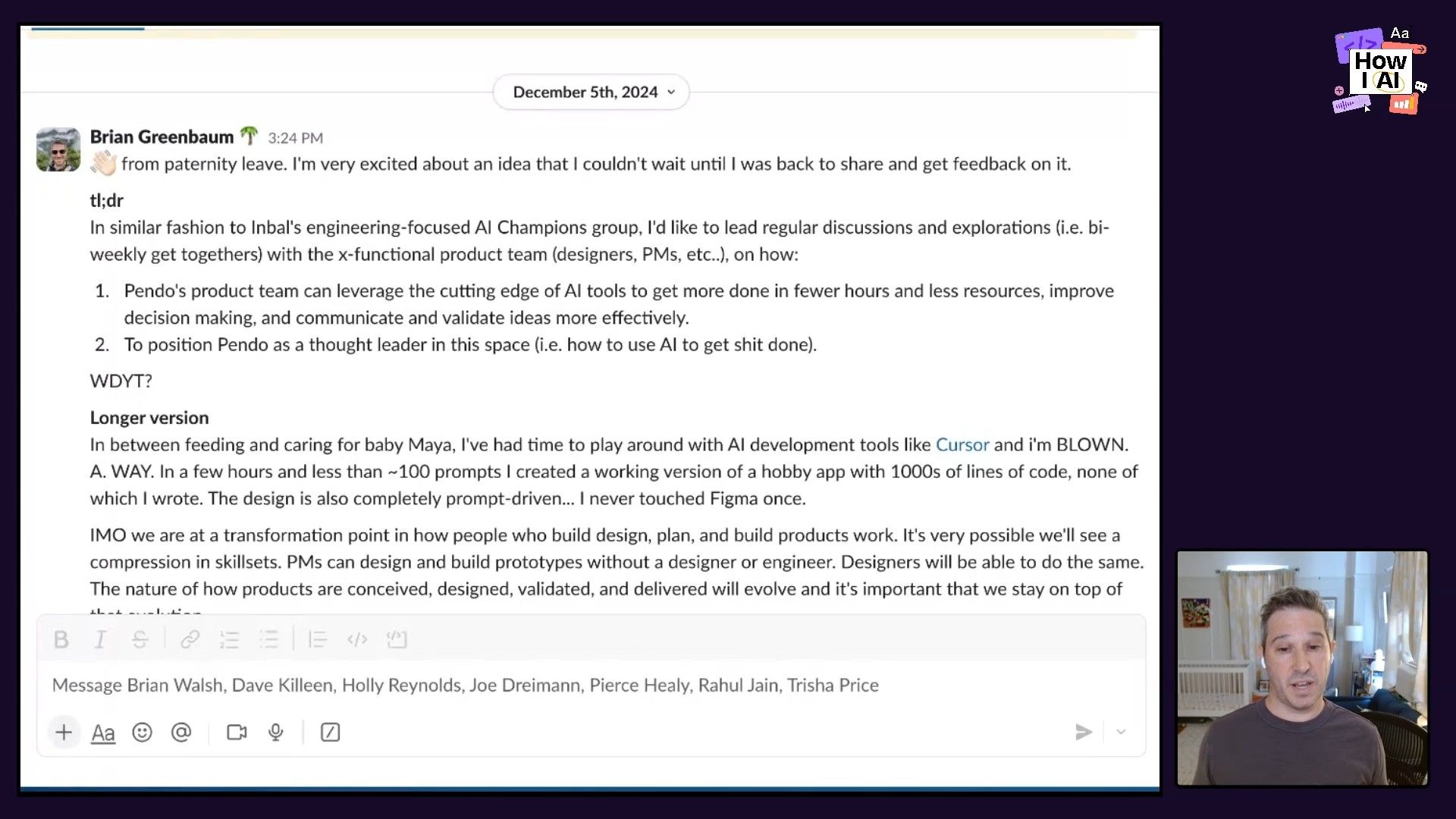
The CPO immediately asked him to present at the next all-hands. He had the buy-in to start a formal initiative.
Workflow 2: Building the Program
Step 1: Mix Scheduled Sessions with Ongoing Conversation
The biggest barrier to AI adoption is time. Everyone knows it's important, but they're too busy to figure it out. Brian's solution: create both dedicated calendar time and a space for continuous learning.
- Bi-weekly "Product AI" sessions: Interactive meetings designed to get people's hands dirty, not just listen to presentations.
- Public Slack channel: A hub for sharing articles, experiments, and questions—what Brian calls "radical many-to-many sharing."
Step 2: Make Sessions Hands-On
For his kickoff, Brian had everyone actually use AI, live. He designed a simple exercise using bolt.new:
1. Same prompt, different results: Everyone pasted the same prompt to create a to-do app.
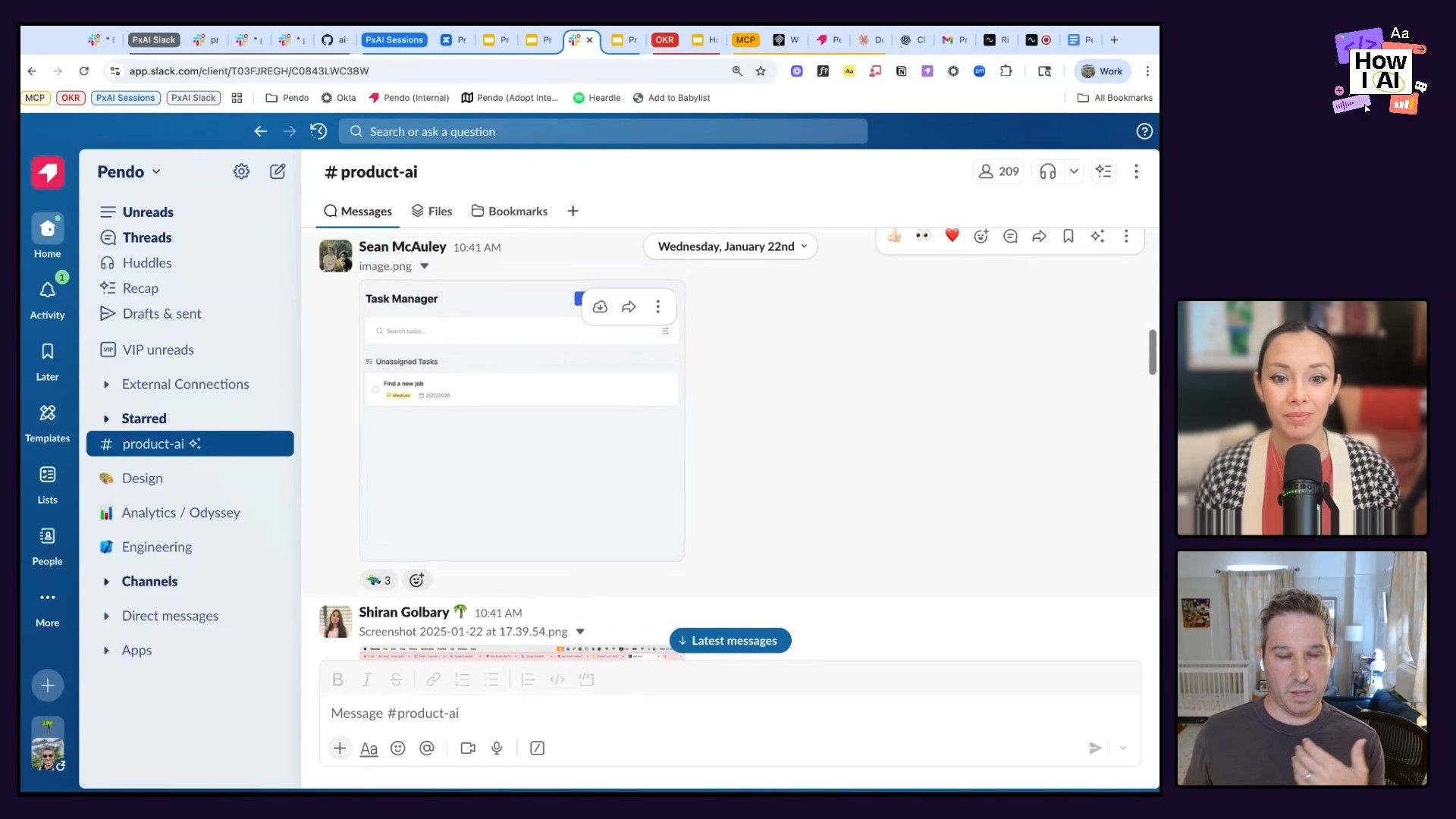
The eye-opener? Even with identical prompts, the AI generated wildly different apps. Some had errors—which became a teachable moment about iteration.
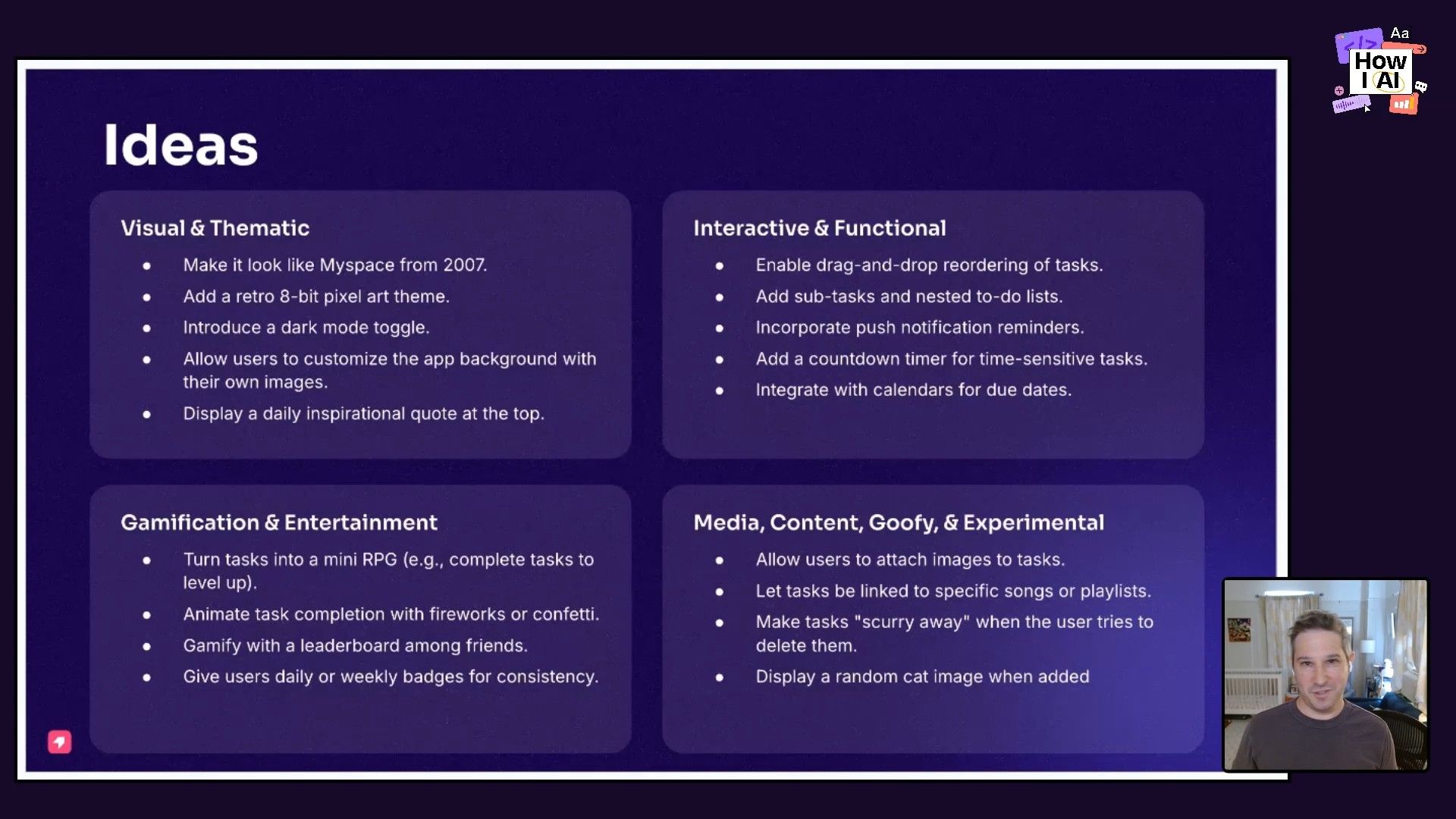
2. Creative exploration: Brian encouraged people to "go wild" with modifiers like "add a retro 8-bit pixel art theme" or "make it look like MySpace from 2007." People laughed, experimented, and saw the creative potential.
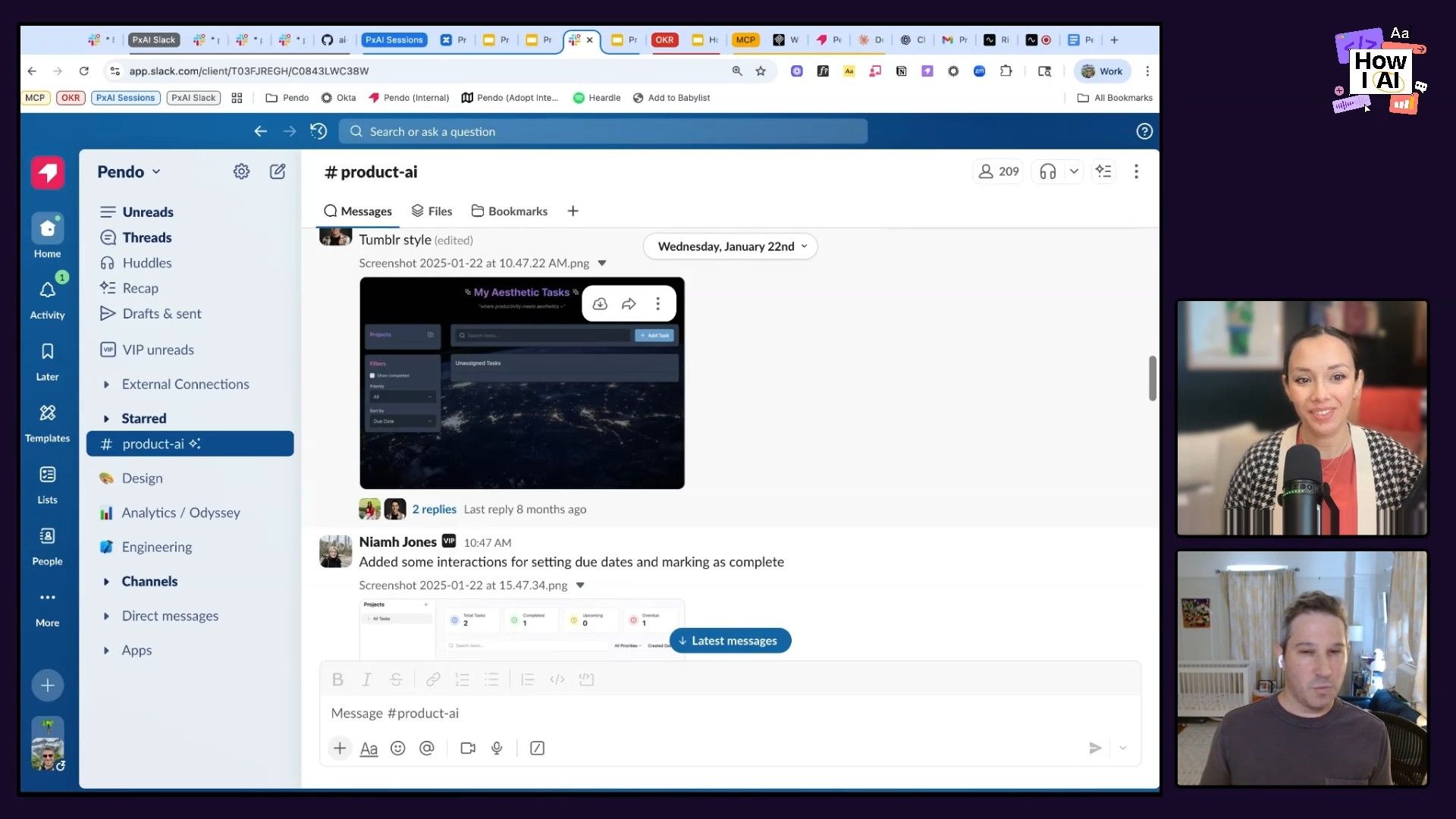
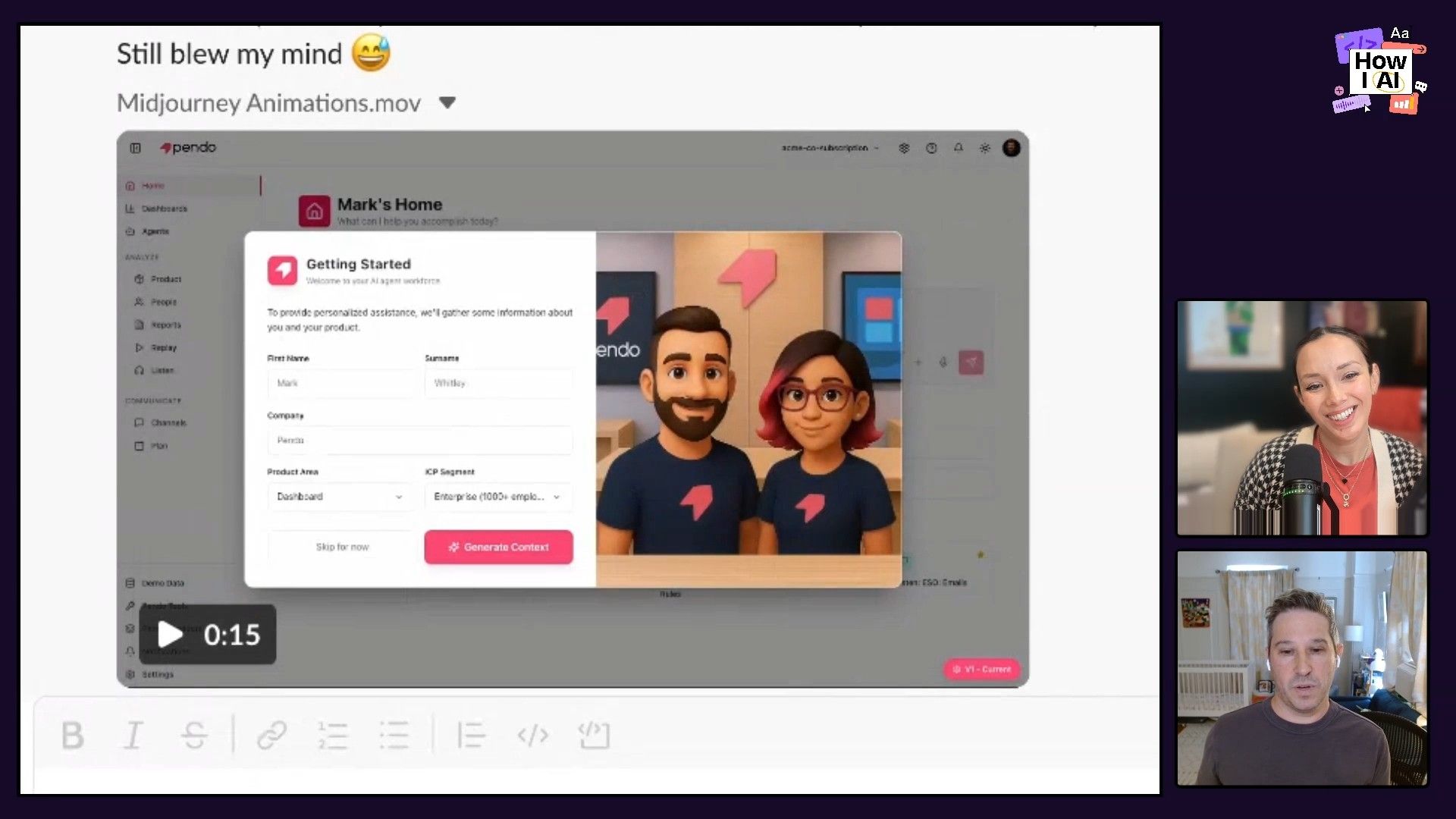
This hands-on approach made AI feel accessible. The Slack channel kept the conversation going after meetings ended. They even saw designers using Midjourney to create animated UI characters—something too time-consuming before.
Workflow 3: Measuring and Scaling
Step 1: Track Sentiment
As part of a company OKR to improve AI adoption, Brian's group sent out a baseline survey asking about:
- Personal sentiment toward AI's impact
- Familiarity with company AI policies
- Awareness of which tools were available
They ran the survey at the start and end of the quarter. After implementing their programs, they saw significant improvements across all metrics—especially awareness of policies and available tools.
Step 2: Create Clear Guidelines
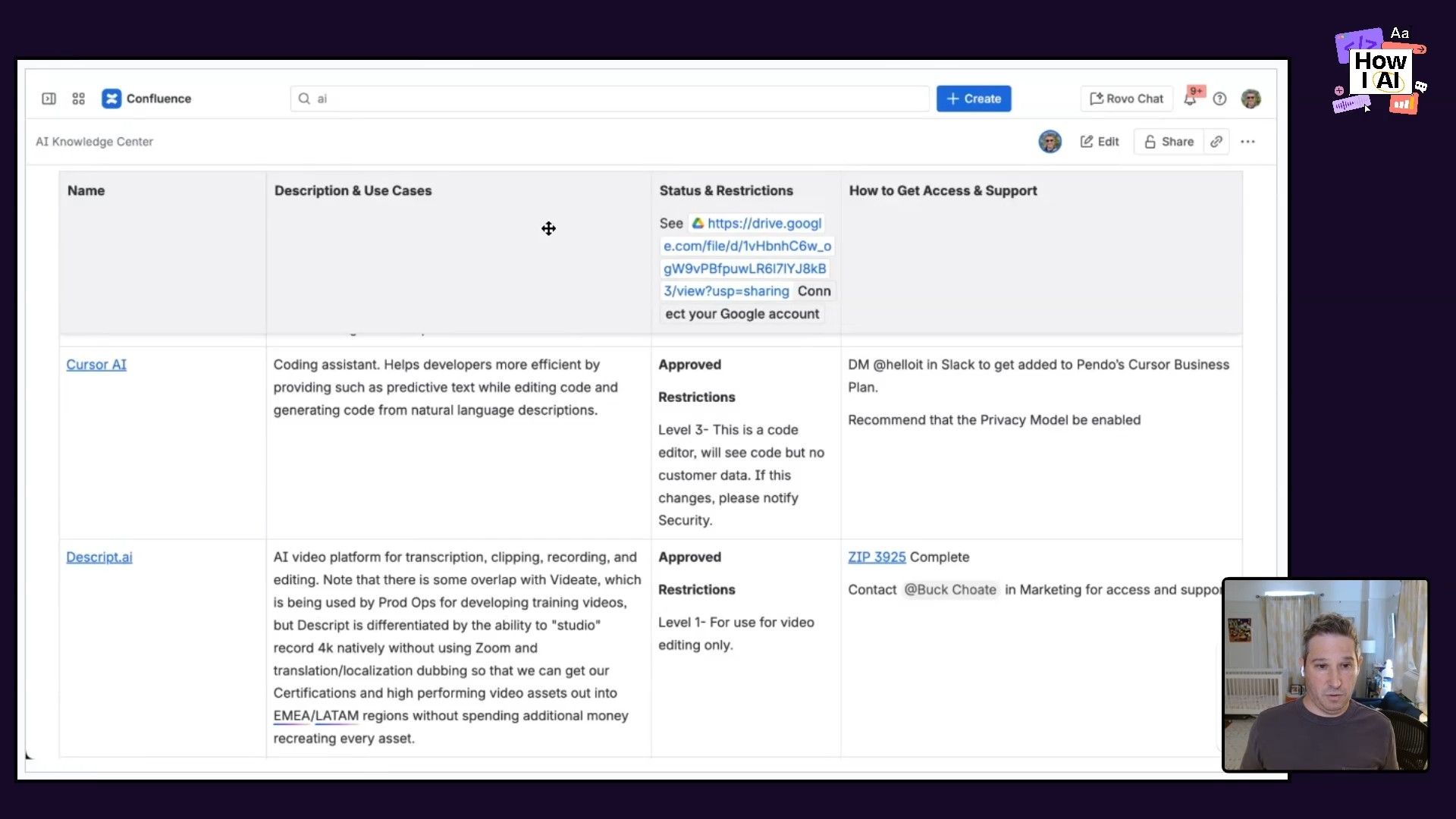
The survey revealed a big gap: people were using personal ChatGPT accounts and didn't know what data was safe to use or which tools were approved. Brian's team worked with legal, security, IT, and finance to create an AI Knowledge Center that included:
- An alphabetized table of approved AI tools
- Clear data-sharing guidelines for each (e.g., "Internal Data Only," "No PII")
- Security and legal status
- A process for requesting access or new tool evaluations
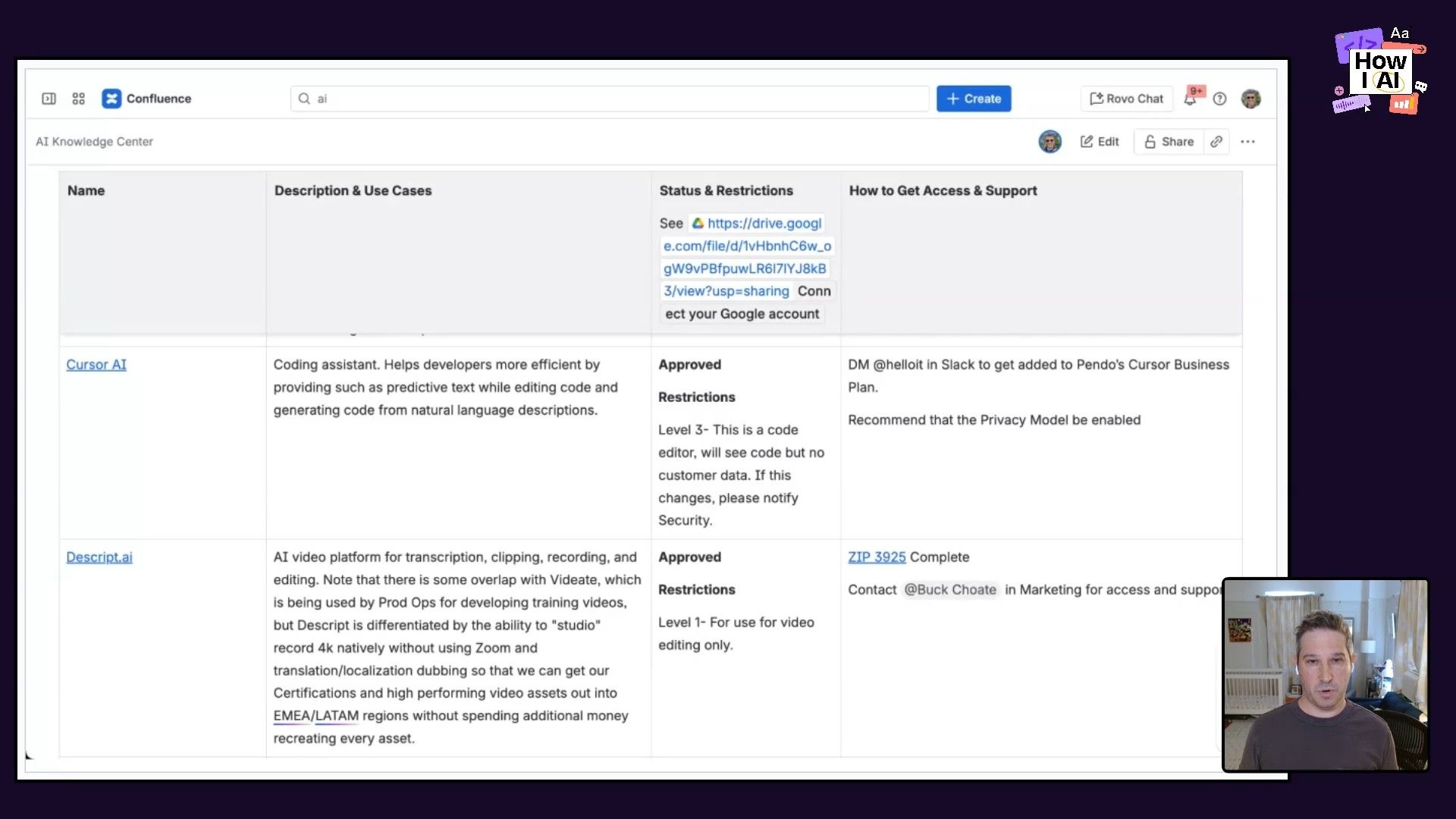
This replaced confusion with clarity. People could experiment safely instead of operating in the shadows.
The Result
Brian used his new skills to build a prototype MCP server connecting to Pendo's public APIs. He recorded a demo showing how he could use natural language in Claude to generate interactive dashboards of product usage data.
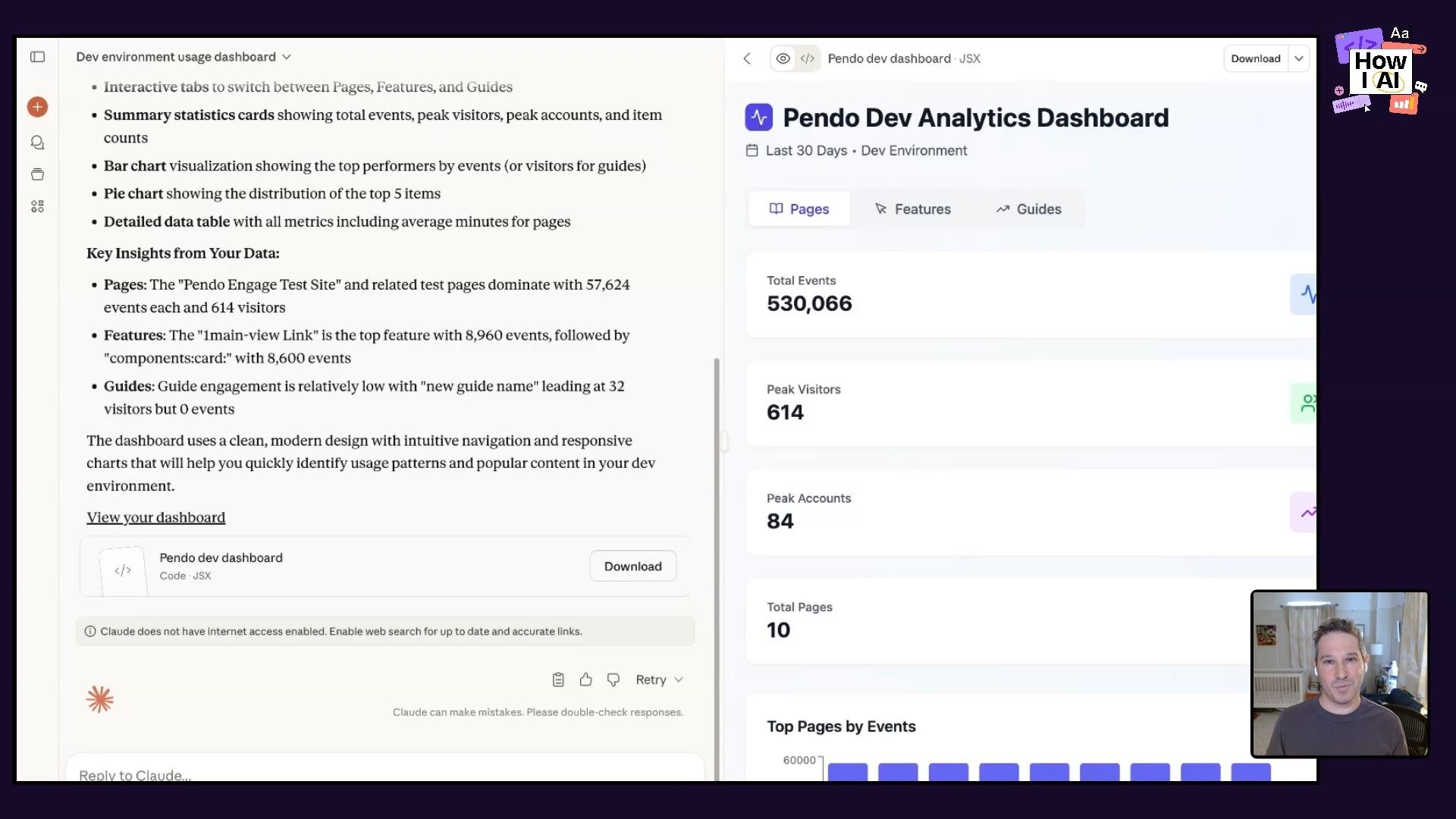
This caught the CTO's attention and directly influenced Pendo's roadmap, accelerating development of internal AI agents.
The Playbook
Brian's approach comes down to three things:
- Start with a personal experience that shows clear value, then make the case to leadership
- Structure a program with regular hands-on sessions plus ongoing async discussion
- Create a "golden path" with clear guidelines, approved tools, and measurable outcomes
If you have the initiative to lead this at your company, it's a real opportunity. Take this framework, adapt it, and run with it.
Sponsors
Thanks to our sponsors:
- Google Gemini – Your everyday AI assistant
- Lovable – Build apps by chatting with AI
Episode Links
Find Brian Greenbaum on LinkedIn. Check out ChatPRD for more AI product resources.
Try These Workflows
Step-by-step guides extracted from this episode.

How to Create an AI Governance Framework and Tool Library for Your Company
Move your company from risky 'shadow AI' usage to a structured, safe, and scalable program. This workflow details how to survey your team, collaborate with stakeholders, and build a centralized knowledge center for approved AI tools and data guidelines.

How to Run an Engaging Hands-On AI Workshop for Your Team
This workflow provides a step-by-step guide for running an interactive workshop to get non-technical team members excited and comfortable with using generative AI tools, fostering a culture of experimentation.

How to Pitch a Company-Wide AI Adoption Initiative to Leadership
Learn how to transform a personal AI discovery into a formal, company-supported initiative. This workflow covers building a business case and crafting the perfect pitch to get leadership buy-in for broader AI adoption.


