How I AI: Marily Nika’s AI Native PM Workflow (Perplexity, Veo, v0, Notebook LM)
Google's Marily Nika reveals her AI-enhanced product management workflow, taking a 'smart fridge' idea from user research on Perplexity, to a PRD with a custom GPT, to a v0 prototype and a Sora vision video—all in under 20 minutes. Plus, discover how she uses NotebookLM as an AI judge for product demo days.

Claire Vo
This week, I was so excited to have Marily Nika on the show. She's an AI Product Lead at Google and the founder of the AI Product Academy, and she's an expert in what she calls being an “AI-enhanced PM.” She has developed a fascinating workflow that completely speeds up the product development cycle.
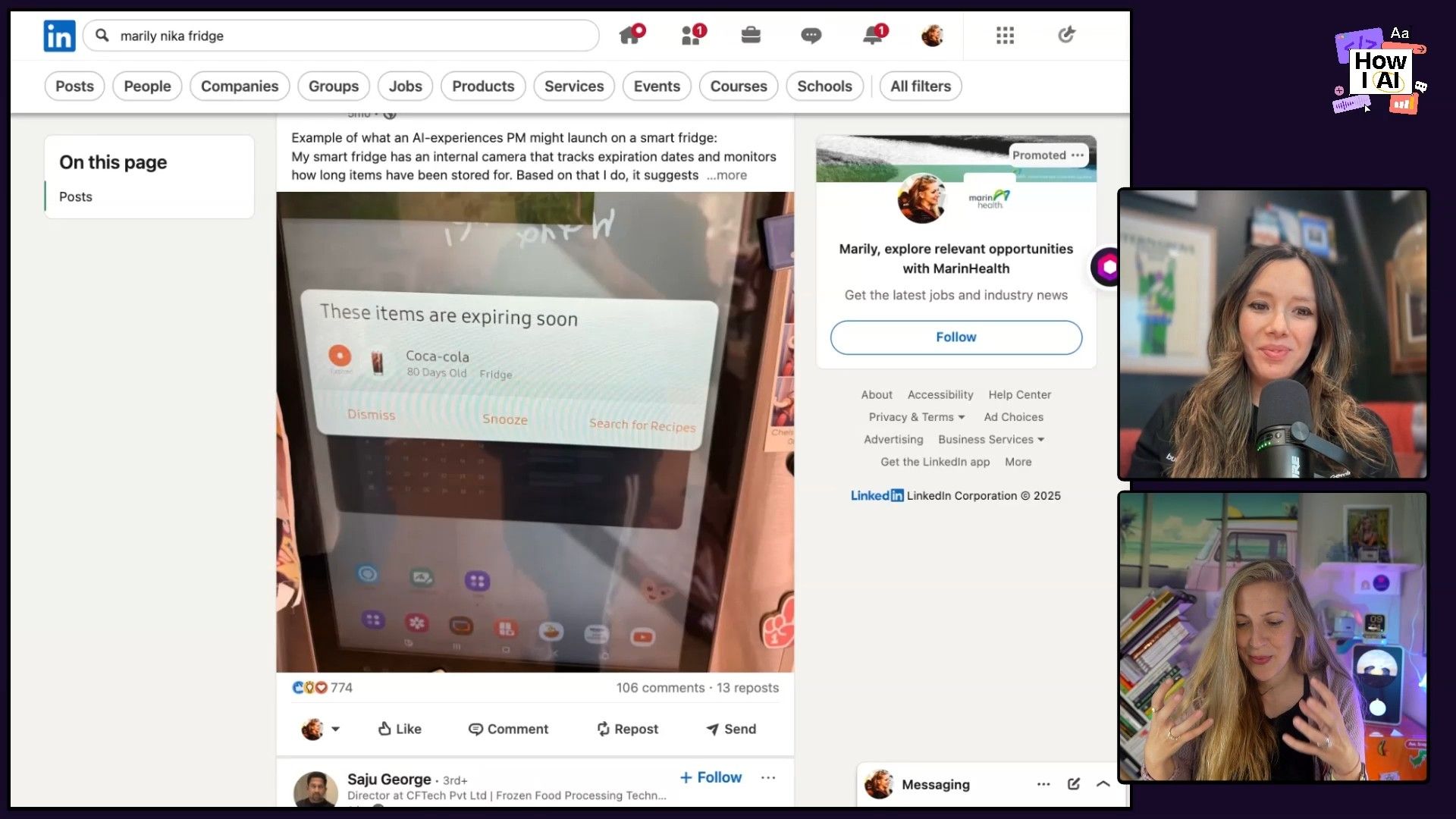
Marily walks us through a tangible example any PM can copy: building a better smart fridge. The idea came from a viral LinkedIn post she made after her own fridge told her a Coca-Cola was 80 days old and about to expire. That one weird user experience kicked off a whole product concept, and she uses it to show how a multi-tool workflow can take an idea from initial research to a stakeholder-ready video prototype in about the time it takes to drink a cup of coffee.
First, she shows us how she does deep user research in minutes using Perplexity to mine Reddit discussions and even stage an AI-powered debate. Then, we see how she uses a custom GPT to instantly generate a full Product Requirements Document (PRD). From there, she builds a clickable prototype with v0.dev and, finally, creates a persuasive vision video with tools like Flow and Sora. We also get into a second, really interesting workflow where Marily uses NotebookLM as an AI judge for her bootcamp's demo day.
This episode is for any product manager, builder, or leader looking to bring AI into their daily work. Marily's approach of “tool hopping” shows how combining the strengths of different AI tools can help you work at a speed and quality that just wasn't possible before.
Workflow 1: The 20-Minute AI-Enhanced PM Cycle
Marily's main workflow chains together multiple AI tools to squeeze weeks of traditional product work into a single 20-minute session. It all starts with a real-world insight and ends with a compelling vision you can share with any stakeholder.
Step 1: Instant User Research with Perplexity
Before writing a single line of a PRD, a good PM validates the idea and understands the user's needs and concerns. Traditionally, this means weeks of user interviews or expensive agency work. Marily does it in about three minutes.
****
Tool of Choice: Perplexity, a conversational search engine.
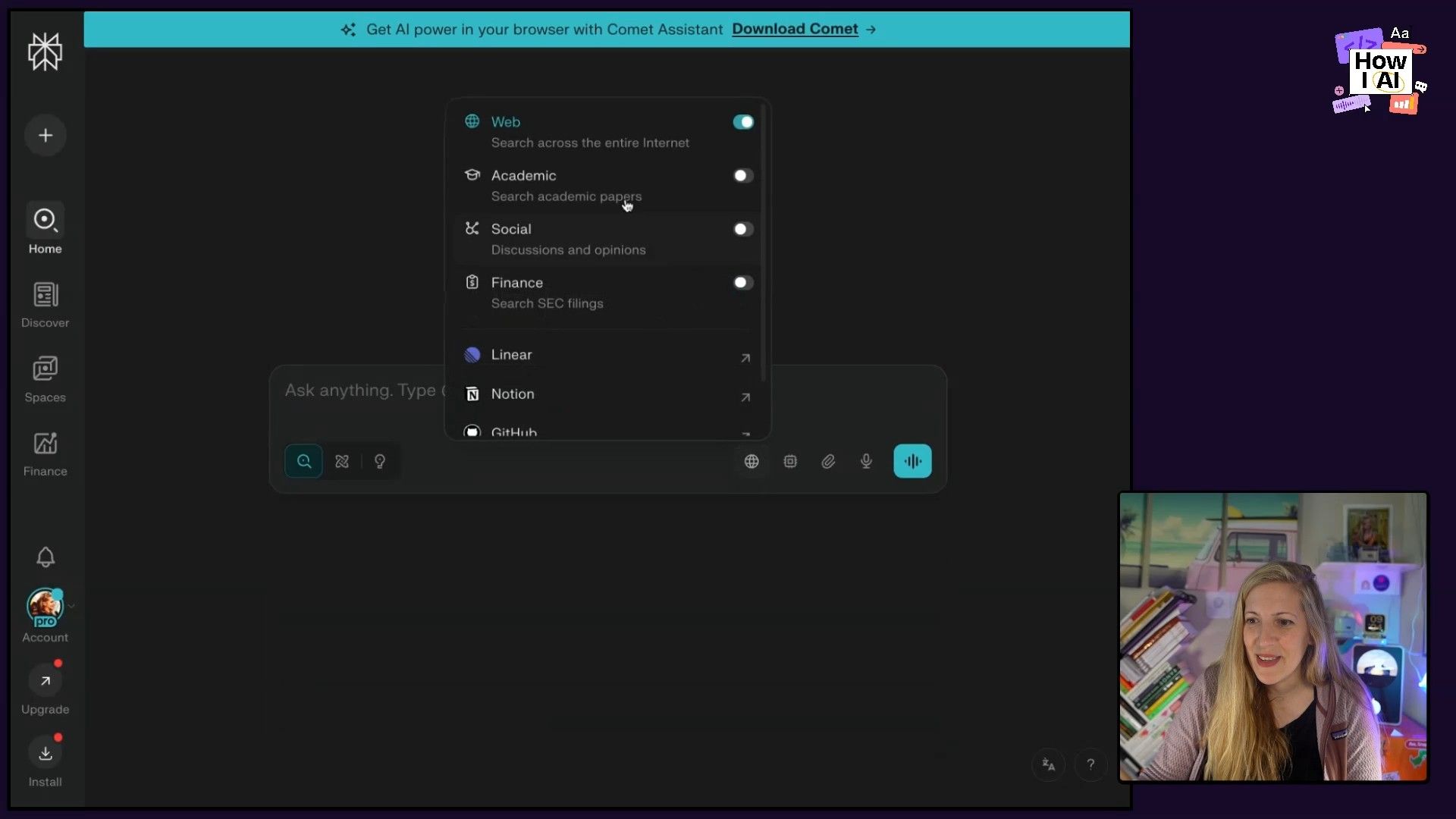
The Magic Feature: Marily uses the 'Focus' dropdown and selects Discussions. This narrows the search to forums like Reddit, giving her direct access to raw, unfiltered user opinions.
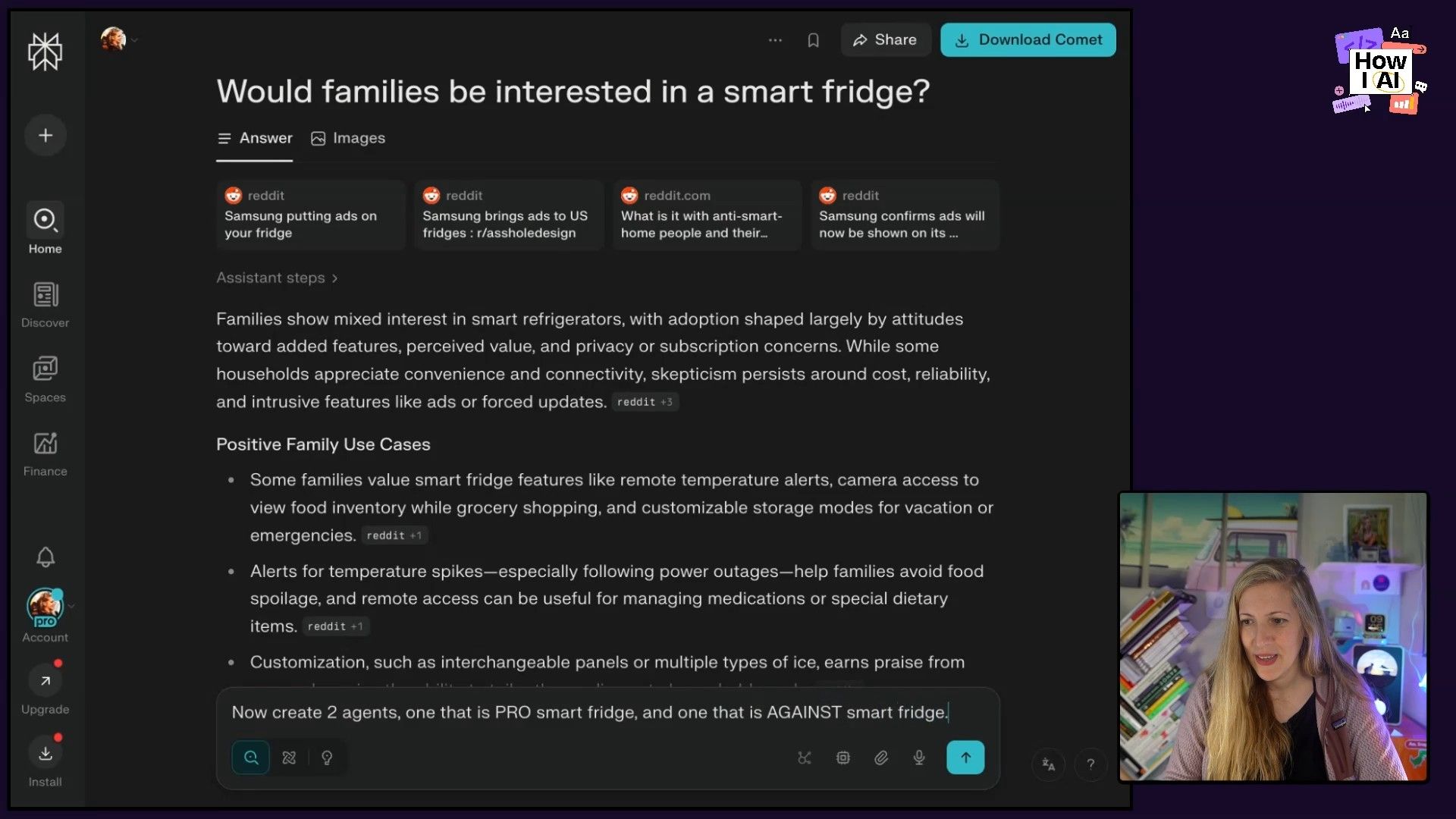
Initial Prompt: She starts with a simple query to gauge general sentiment.
would families be interested in a smart fridge?
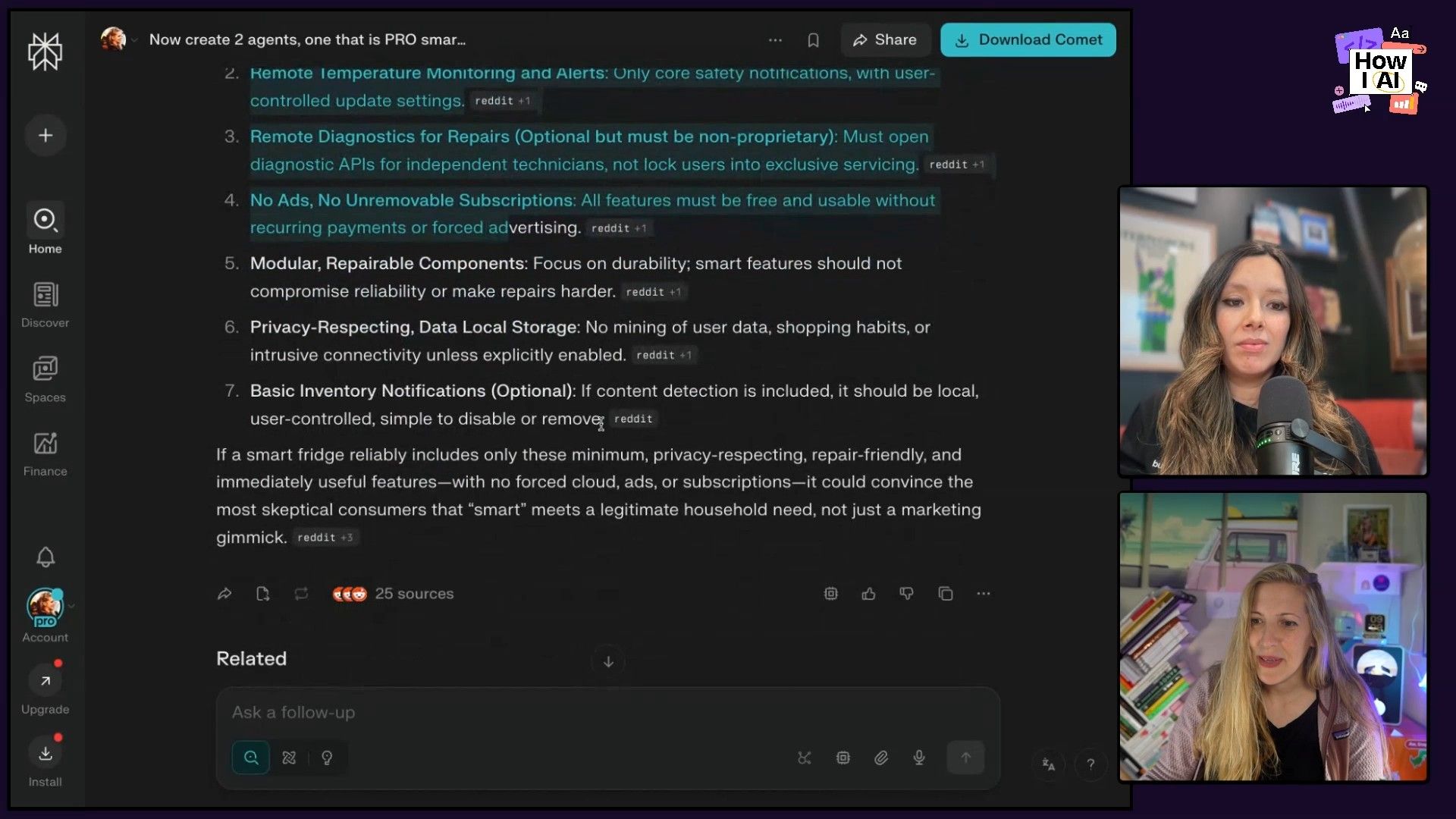
The Debate Technique: This is where her process gets really clever. To avoid the typical AI bias of just agreeing with your idea, Marily prompts Perplexity to create two opposing agents and have them debate. This surfaces the strongest arguments for and against, revealing the critical features needed to win over skeptics.
Create two agents, one that is pro smart fridge and one that is against smart fridge. Use everything you read and have these two agents debate at least, I dunno, like 20 times about it, and give me the minimum set of features I would need in order to convince the against agent.
Outcome: Instead of a generic summary, Perplexity provides a 20-round debate synthesized from real user discussions, and most importantly, it outputs a minimum set of features required to achieve product-market fit. This includes things like local-first intelligence for privacy, which becomes a core tenet of the product.
Step 2: From Research to PRD with a Custom GPT
With a validated feature set in hand, the next step is to create a Product Requirements Document. Marily has streamlined this by building her own custom GPT in ChatGPT.
Tool of Choice: A custom GPT pre-configured with her preferred PRD template and writing style.
The Process: She performs what she calls “tool hopping.” She copies the minimum feature set generated by Perplexity.
The Prompt: She then pastes this directly into her custom GPT with a simple instruction.
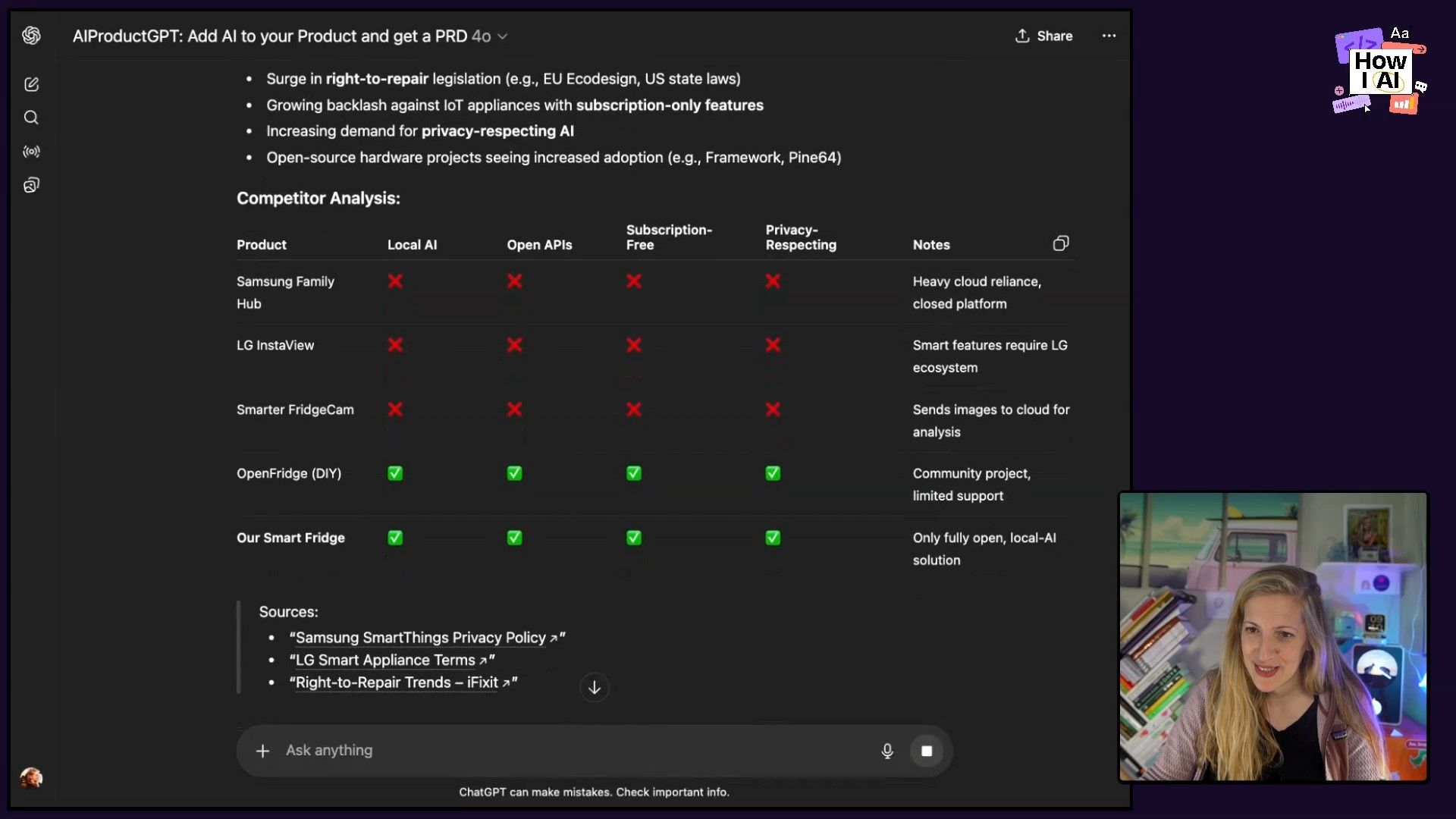
generate a PRD about a smart fridge that has these features
Outcome: In about 90 seconds, her custom GPT generates a well-structured PRD. It includes a problem statement, target users (privacy-conscious consumers, DIY enthusiasts), feature analysis, and prioritization. It's not perfect, but it provides a huge head start, allowing her to focus on strategy rather than formatting.
Step 3: Bringing the Vision to Life with v0 Prototyping
A PRD is great, but a tangible prototype is much more effective for communicating a vision. To bridge this gap, Marily hops to her next tool.
Tool of Choice: v0.dev, an AI-powered tool that generates UI from text prompts.
The Process: She copies the entire generated PRD from ChatGPT.
The Prompt: She pastes the PRD into v0 with a straightforward command.
Create the UI of a smart fridge, given this PRD as an input
Outcome: v0 generates a surprisingly detailed and interactive dashboard for the smart fridge. It includes widgets for temperature, power usage, and my personal favorite, a Door Status widget—a perfect feature for parents! Because the PRD emphasized local processing and privacy, the prototype even includes a 100% Local Processing badge and system diagnostics showing an onboard GPU. This prototype is now a really useful asset for product reviews, allowing stakeholders to see, touch, and feel the product vision.

Step 4: Selling the Dream with AI-Generated Video
To really sell the idea to stakeholders, Marily creates a short promotional video to showcase the user experience.
Tools of Choice: Flow (by Google Labs) and Sora.
The Prompt (for Flow): She again uses the core feature list as the input.
create a promotional clip for two, for a couple, using a smart fridge that has these features
The Results & Iteration: The initial results from Flow were interesting but slightly off—one version had a screen inside the fridge, and in another, the man in the video mysteriously transforms into another woman. This highlights a key skill for AI-enhanced PMs: iteration and prompt refinement.
The Improved Version (with Sora): To get a more compelling result, Marily switched to Sora and used its Cameo feature to insert herself and Mark Cuban into the scene. This version was a huge leap forward, generating a short clip complete with dialogue that actually explained the product's value. The AI even had her mention a “Greek salad,” which was a fun, personalized touch since Marily is Greek.
Outcome: This final video clip is the perfect cherry on top. Paired with the PRD and the interactive prototype, it creates a complete package that really gets the product's vision, functionality, and user value across in a way that a slide deck never could.
Using NotebookLM as an AI Judge for Product Demos
Beyond her day job, Marily runs the AI Product Management Bootcamp, which culminates in a demo day where students pitch their products to VCs and judges. To add a unique and impartial voice to the judging panel, she turned to another neat AI tool.
Tool of Choice: NotebookLM, a research and writing assistant from Google.
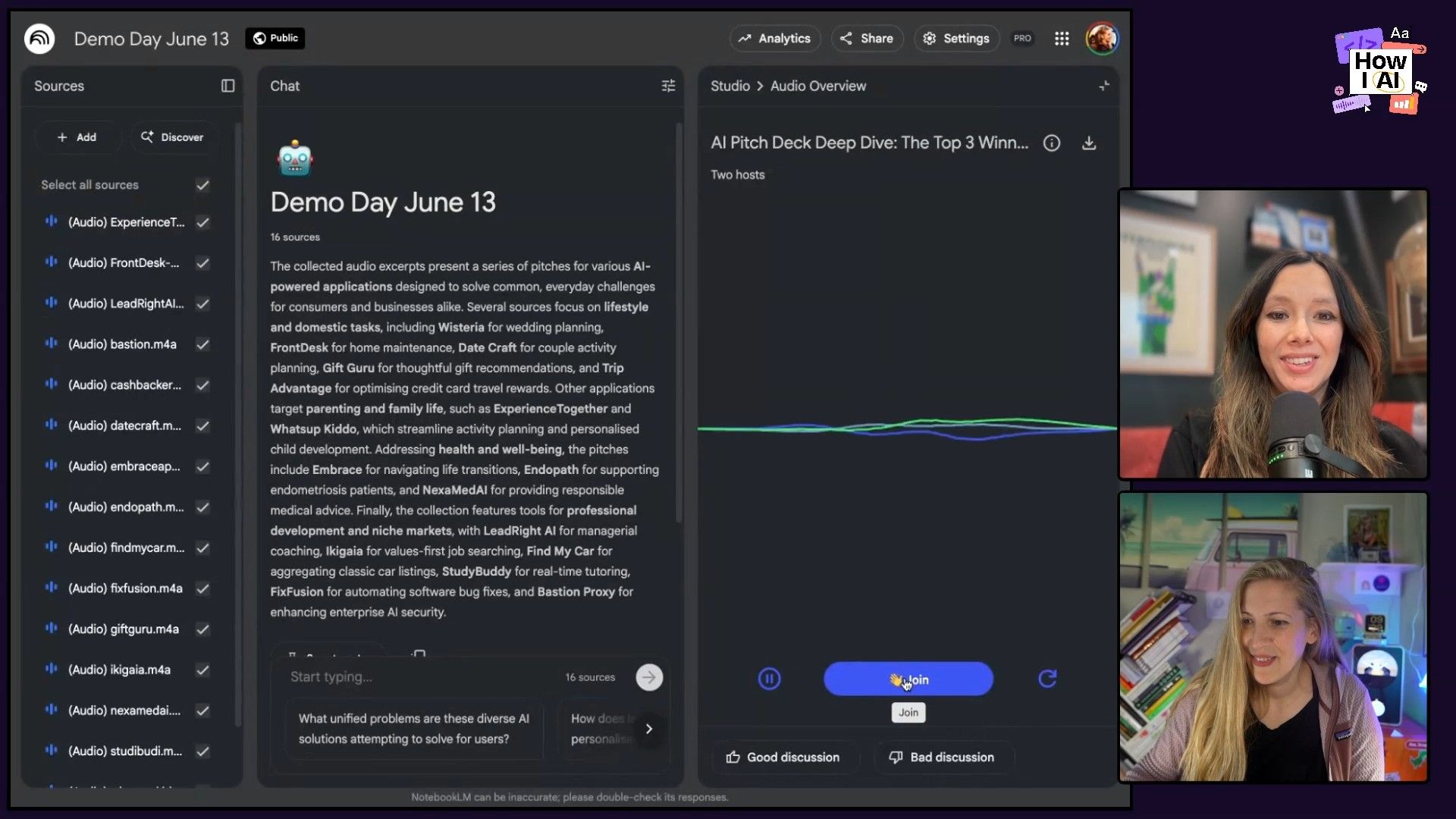
The Setup: Marily records the audio from every student's pitch and uploads the individual audio files as sources in NotebookLM.
The Instructions: She then gives NotebookLM a clear set of instructions to act as a judge. She tells it to select the top three apps based on specific criteria:
- Innovation
- Impact
- Storytelling
The Magic Feature: NotebookLM doesn't just output text. It can generate an 'Audio Overview,' creating a podcast-style summary of all the pitches. Even cooler is the interactive mode, which simulates a live radio call-in show with two AI hosts. During her bootcamp's demo day, Marily can literally interrupt the AI hosts and ask them to announce the winners on the spot.
Outcome: This creates a really engaging and fun experience for the students. The AI acts as an unbiased judge, and its analysis is surprisingly accurate, often aligning with the human judges' choices. I thought this was such a clever application, and it immediately made me think of other use cases, like judging sales pitch competitions or hackathon demos.
The New Era of Product Management
What Marily showed us is a completely new way of thinking about the product management process. In the time it would traditionally take to schedule the first user research interview, Marily completed the entire cycle from idea validation to a compelling, multi-asset pitch package.
Marily’s philosophy of “tool hopping”--using the best specialized tool for each step of the job--is the key takeaway. By mastering a handful of these applications, you can dramatically amplify your impact, spend more time on high-level strategy, and communicate your vision with more clarity and persuasion than ever before.
As Marily said, "PMs that use AI are the ones that are gonna take over the role of people who don't use AI."
I encourage you to try this workflow. Pick an idea, fire up Perplexity, and see how far you can get in 20 minutes. The future of product management is here!
Thanks to Our Sponsors
- **WorkOS** — Make your app Enterprise Ready today
- **Miro**—A collaborative visual platform where your best work comes to life
Episode Links
Try These Workflows
Step-by-step guides extracted from this episode.

How to Use NotebookLM as an AI Judge for Product Pitches and Competitions
Discover a creative way to use Google's NotebookLM as an impartial judge for demo days or hackathons. This workflow shows you how to upload audio pitches and instruct the AI to select winners based on your specific criteria.

How to Go from Product Idea to Prototype in 20 Minutes with an AI-Enhanced PM Workflow
Learn Marily Nika's rapid product development cycle using a chain of AI tools. Go from user research with Perplexity to a PRD with a custom GPT, a v0 prototype, and a promotional video with Sora in under 20 minutes.


