How I AI: Chintan Turakhia’s Playbook for AI Adoption at Coinbase
Coinbase's Chintan Turakhia shares his tactical playbook for driving AI adoption across a 1,000+ person engineering org, from PR speed runs to a live feedback-to-feature pipeline.

Claire Vo
I loved meeting Chintan Turakhia, Senior Director of Engineering at Coinbase, at a recent event, because here's a lot of skepticism about whether large, established, and highly technical engineering organizations can really deploy AI at scale and see a meaningful impact. Chintan came on the pod to show us that it's not just possible, he really thinks it’s an “adapt or die” moment.
Chintan’s team of over a thousand engineers was tasked with a monumental project: rewriting the Coinbase Wallet from a self-custody wallet into a consumer social app, and doing it in just six to nine months. Faced with this insane timeline, he turned to AI as a force multiplier. This wasn't about a top-down mandate. It was about getting hands-on, showing the value, and creating a culture of velocity.
In this episode, Chintan walks us through three incredible workflows. First, he shows how he uses Cursor to analyze his own team's AI adoption data, identifying power users and creating a playbook to level up everyone else. Second, we see his team's automated feedback-to-feature pipeline that turns a user's spoken words into a pull request in minutes. Finally, he shares a personal and fun use case for reverse-engineering his own taste in wine using ChatGPT. Let's get into how he did it.
Workflow 1: Using AI to Analyze and Drive AI Adoption
One of the biggest challenges when rolling out new tools is making them stick. Chintan mentioned that early attempts with tools like GitHub Copilot saw an initial spike in use, but it didn't last. To truly drive adoption, he needed to understand how his team was using AI tools, identify what separates a power user from a casual one, and create a path for others to follow. So, in a perfectly meta move, he used AI to analyze his team's AI usage.
Step 1: Getting the Raw Data
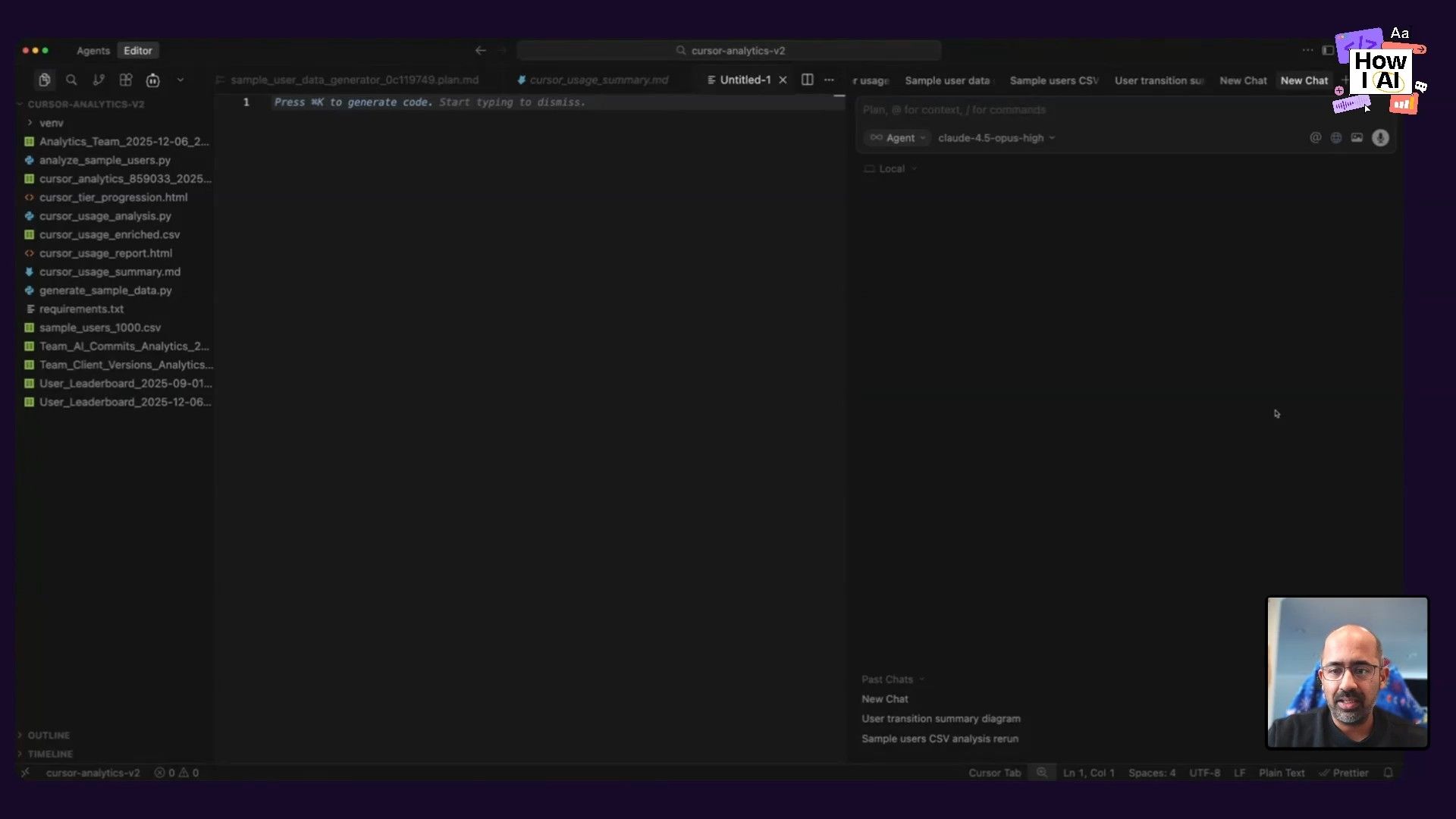
The process starts inside the Cursor admin panel, which provides analytics on team usage. Chintan simply downloads this data as a CSV file. This file contains fields like accepted_lines, chat_lines, chat_lines_deleted, and other metrics about how engineers interact with the AI.
Step 2: Cohorting Users with a Prompt
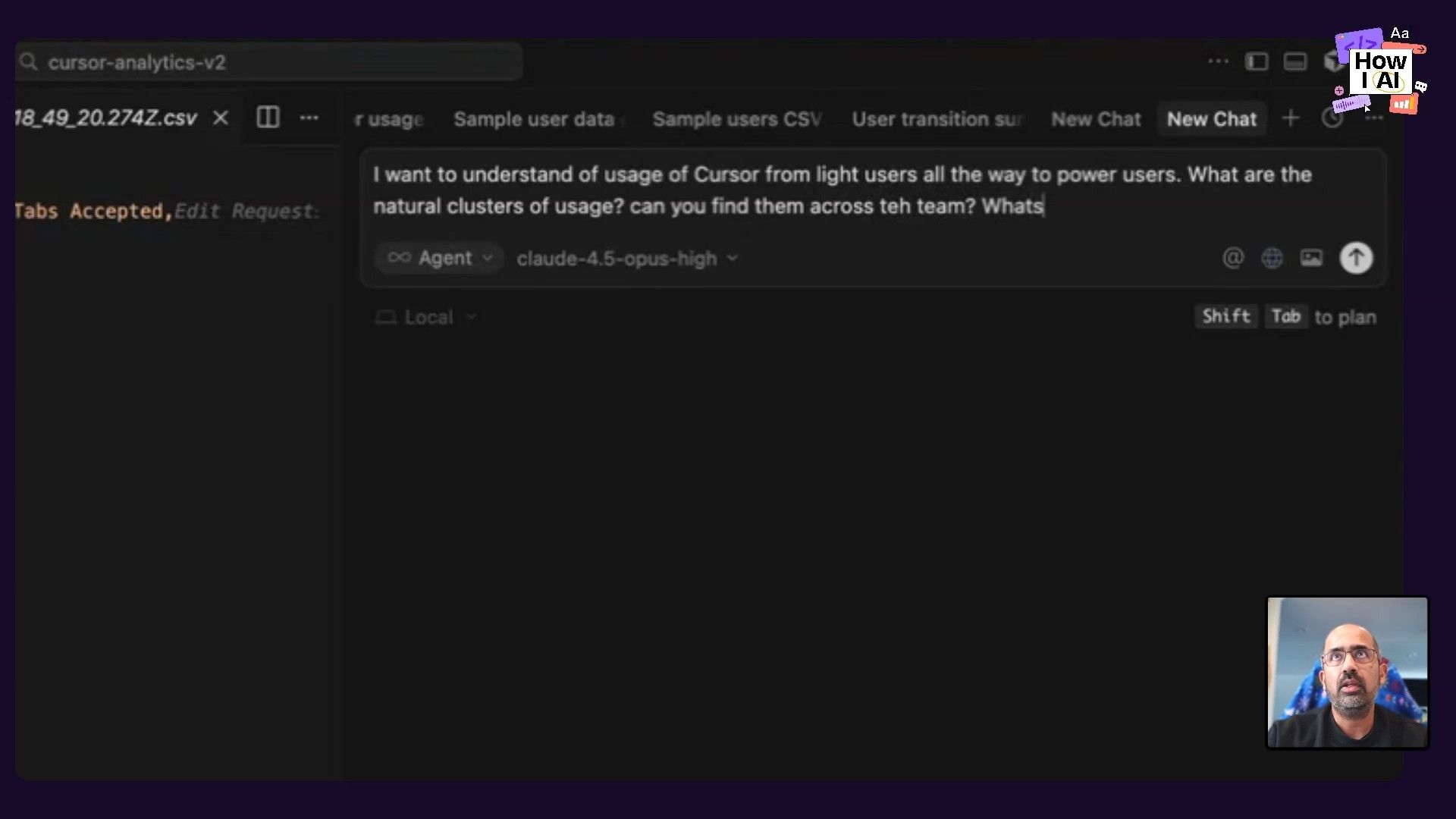
With the CSV data loaded into Cursor, Chintan uses the AI agent to perform a cohort analysis. He doesn't need to be a data scientist; he just needs to ask a clear question. He kicks off the analysis with a prompt:
I want to understand the usage of Cursor. I already know we have light users all the way to power users. What are the natural clusters of usage? Can you find them across the team? What is the best way to cohort them?
He uses the Claude Opus High model in plan mode, which lets him review the AI's proposed steps before it executes. The AI plans to identify cohorts like 'Light', 'Moderate', 'Active', and 'Power User' based on volume, sophistication (agent vs. tab complete), and model preference. It also suggests generating a Python script and an HTML dashboard to visualize the findings.
Step 3: Generating a Visual Dashboard and Playbook
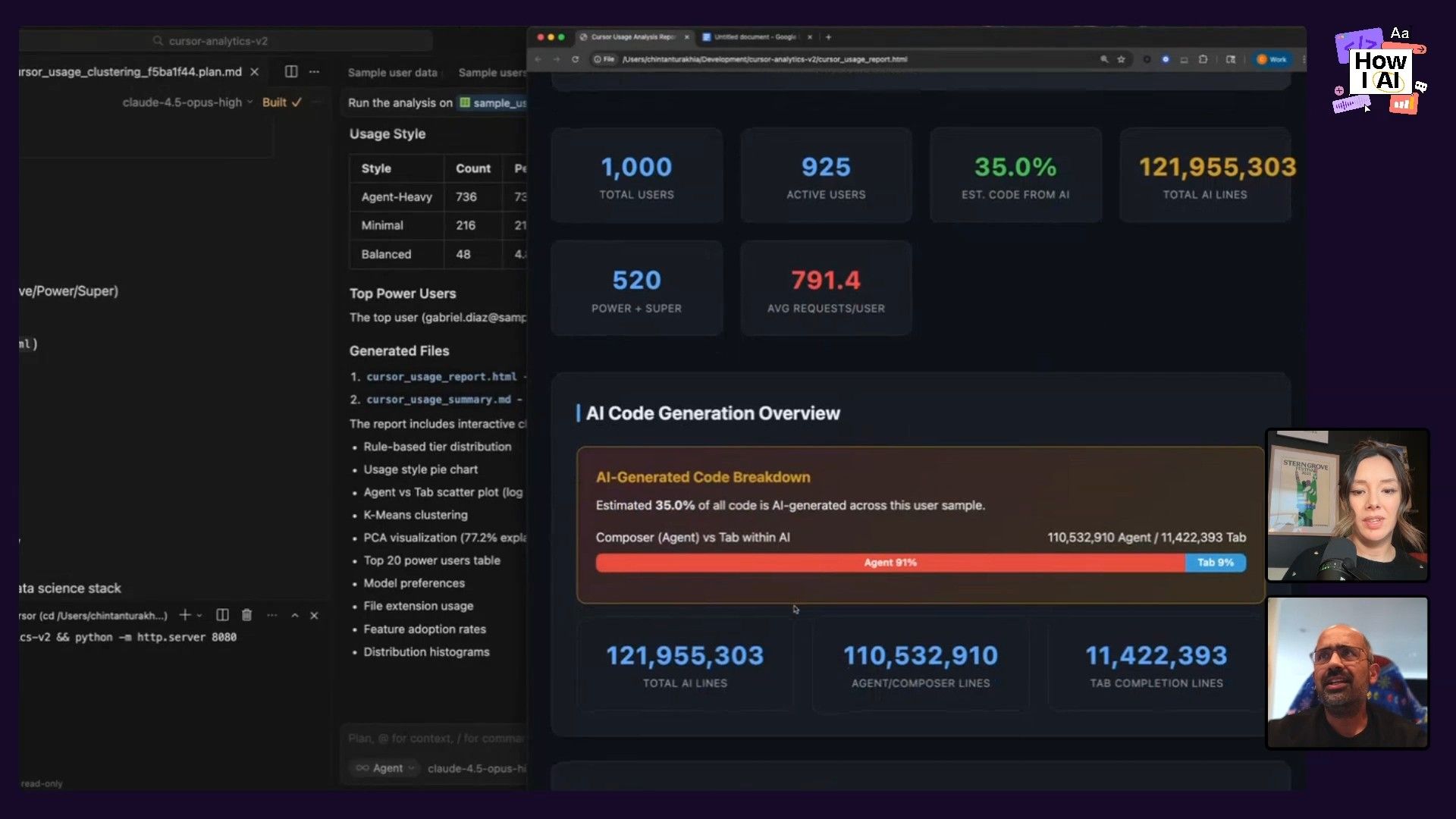
After approving the plan, the agent gets to work. It generates a Python script to process the data and creates a simple but effective HTML dashboard. The dashboard visualizes key metrics like total lines of code generated, a breakdown of composer (agent) vs. tab completions, and the distribution of users across different tiers.
This analysis revealed distinct user personas:
- Agent-Heavy Users: Rely heavily on the chat agent for complex tasks.
- Tab-Heavy Users: Prefer inline completions and more direct control.
- Balanced Users: Use a mix of both features.
- Minimal/Inactive Users: Have yet to fully integrate AI into their workflow.
Chintan didn't stop at analysis. He wanted to turn these insights into an actionable playbook. He followed up with another prompt:
Based on the data, generate guidance for each user cohort on what they should do to advance and graduate to a super user. I am looking for explicit guidance, effectively like I wanna turn this into some type of playbook.
The Results: A Gamified Path to Power User
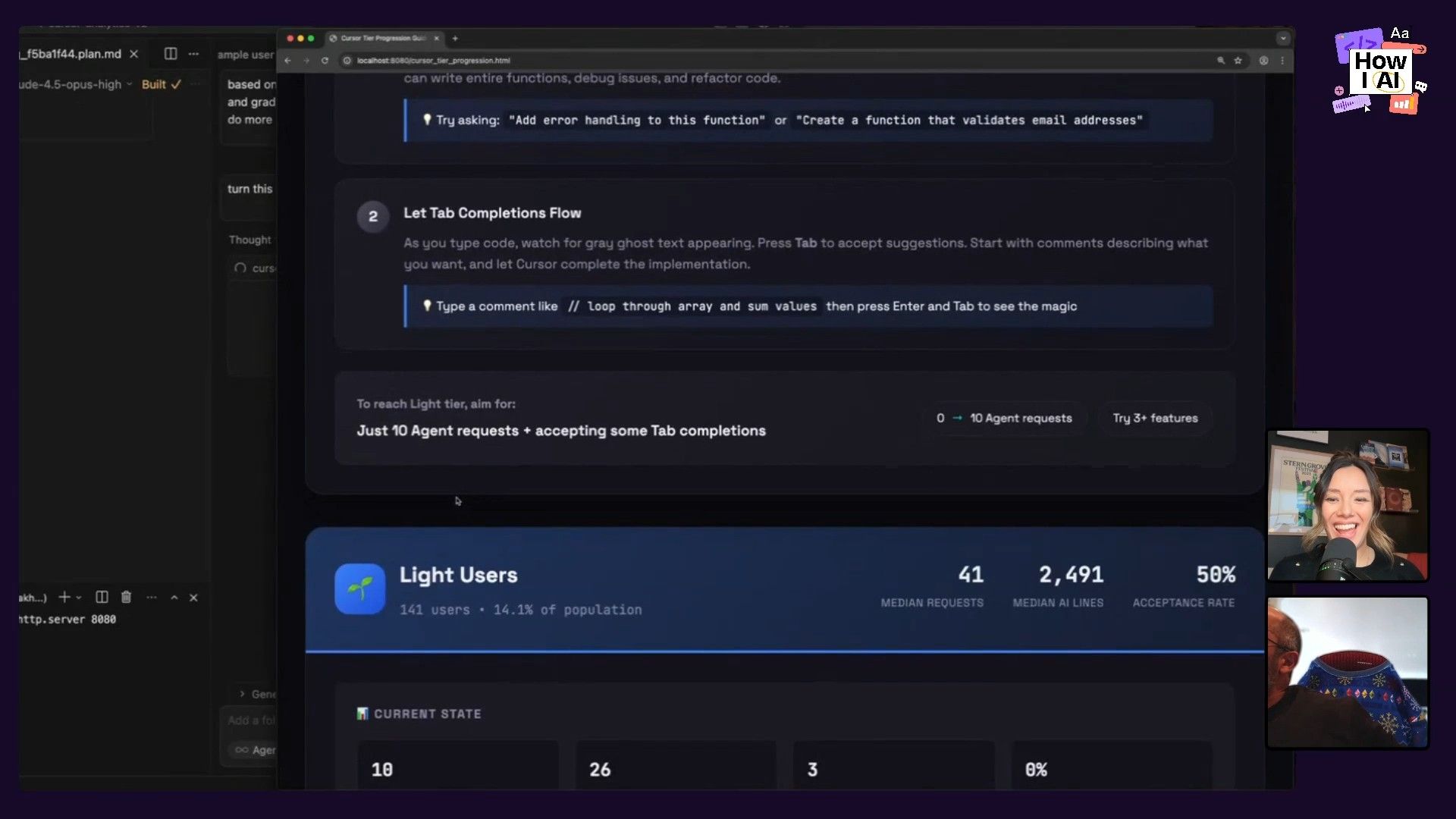
The output was a fantastic, gamified playbook presented in a dark-mode HTML file. It included motivational slogans like "Stop typing, start shipping" and "Tab harder." For each cohort, it provided specific, actionable advice. For light users, it suggested moving beyond simple prompts like "fix this bug" and instead talking to the AI like a junior engineer. For power users, it encouraged them to think bigger and use the agent for entire features, not just small fixes.
This entire workflow—from raw CSV to a shareable, motivational playbook—demonstrates how leaders can use AI to solve management and cultural challenges, not just technical ones. It's a data-driven way to coach your team and scale the habits of your most effective engineers.
Workflow 2: From Live Feedback to Pull Request in Minutes
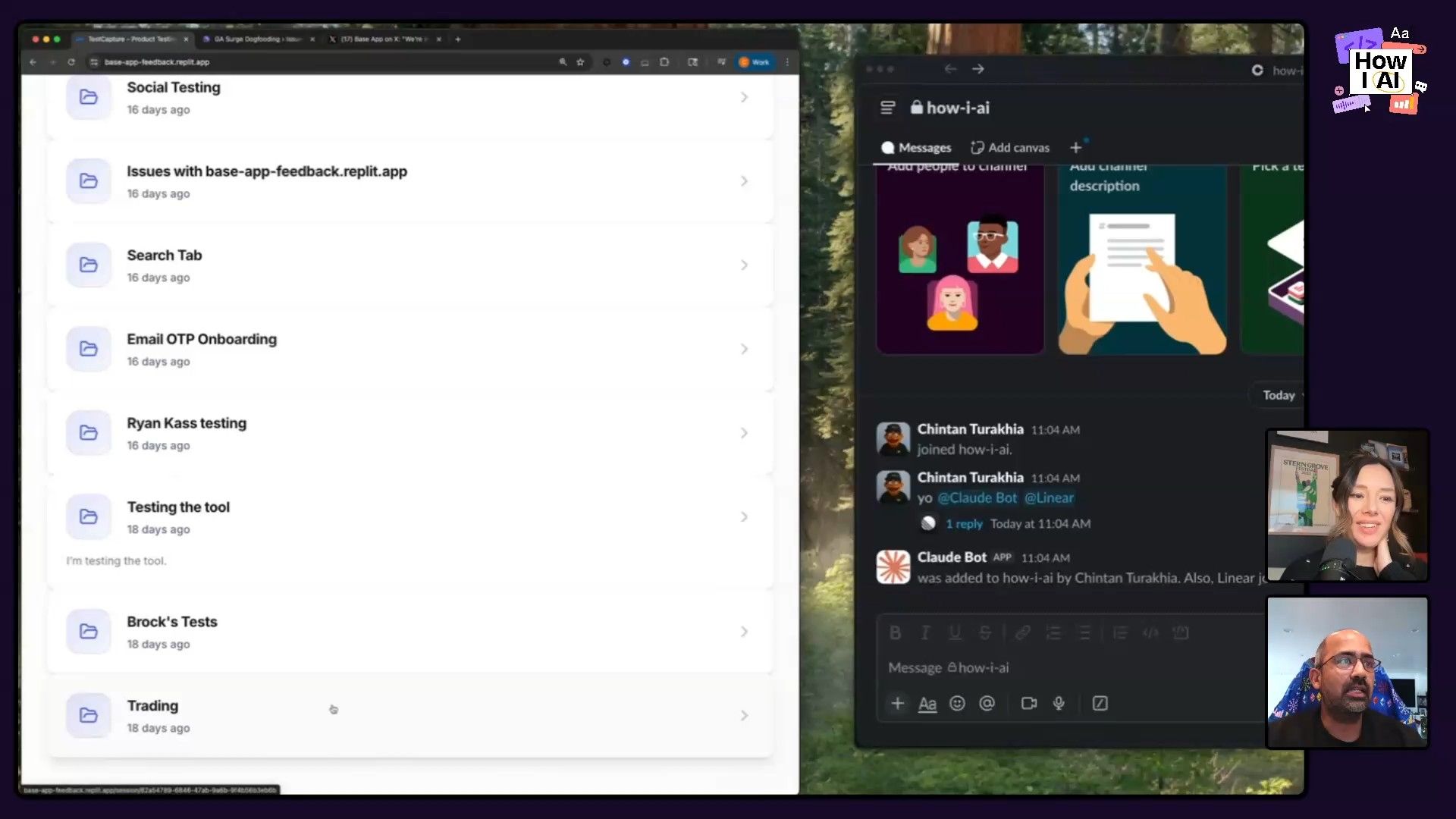
Chintan’s team is obsessed with shortening the cycle time from user feedback to a shipped feature. The old way was slow and full of friction: get feedback in a dogfooding session, manually log it in a Google Doc, transfer it to a ticketing system like Linear, debate its priority, and maybe, finally, get it into a sprint. Chintan's team blew that process up with an automated pipeline.
Step 1: Capturing Live Audio Feedback
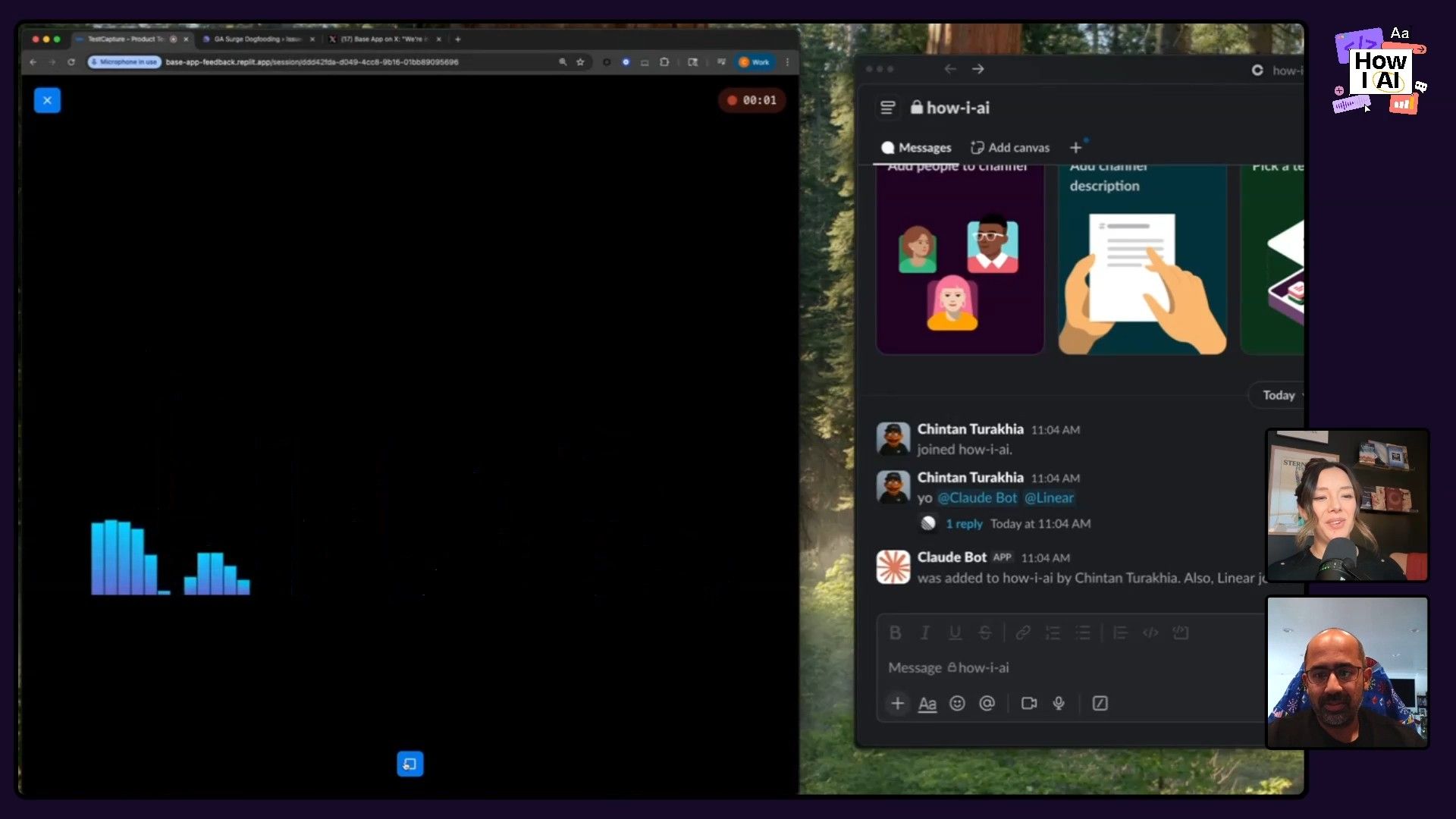
It starts with a simple web app Chintan built over a weekend. During a feedback session (whether in-person or remote), a team member can simply hit a button on their phone to record the user's audio feedback live.
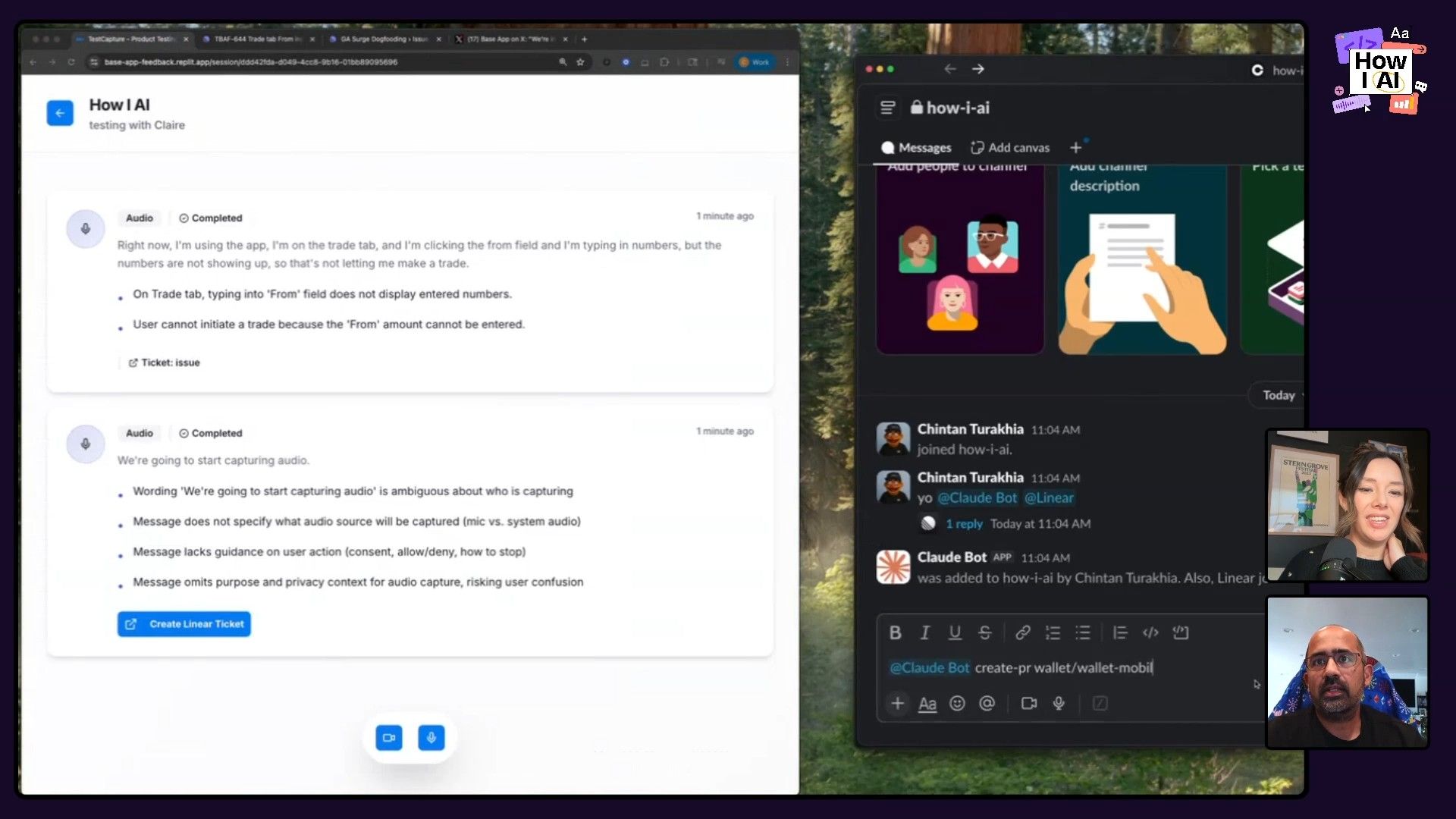
In our demo, Chintan recorded a sample bug report: "I'm on the trade tab and I'm clicking the from field and I'm typing in numbers, but the numbers are not showing up, so that's not letting me make a trade."
Step 2: AI-Powered Transcription and Ticketing
The captured audio is sent to an LLM with a system prompt that instructs it to identify and summarize any bugs. The model cleanly extracted the issue: "On trade tab, typing into from field does not display numbers, user cannot initiate a trade."
From there, with a single click, the summarized bug report is pushed directly into Linear as a new ticket, complete with a suggested title and user journey tags.
Step 3: From Ticket to PR with a Custom Slack Bot
This is where the magic really happens. The team built an in-house Slack bot they call Claude bot. Anyone on the team can now trigger the creation of a pull request directly from Slack. Chintan ran the command:
Claude bot create pr --repo wallet-mobile --ticket [TICKET_ID]The bot, which has context on their codebase and integrates with various internal systems, immediately starts working on a draft PR to fix the bug. This is part of a larger ecosystem they've built for their "Super Builders"—engineers whose job is to build tools that make other engineers faster. The bot can plan features, explain code, and debug issues by pulling context from Linear, Datadog, Sentry, and more.
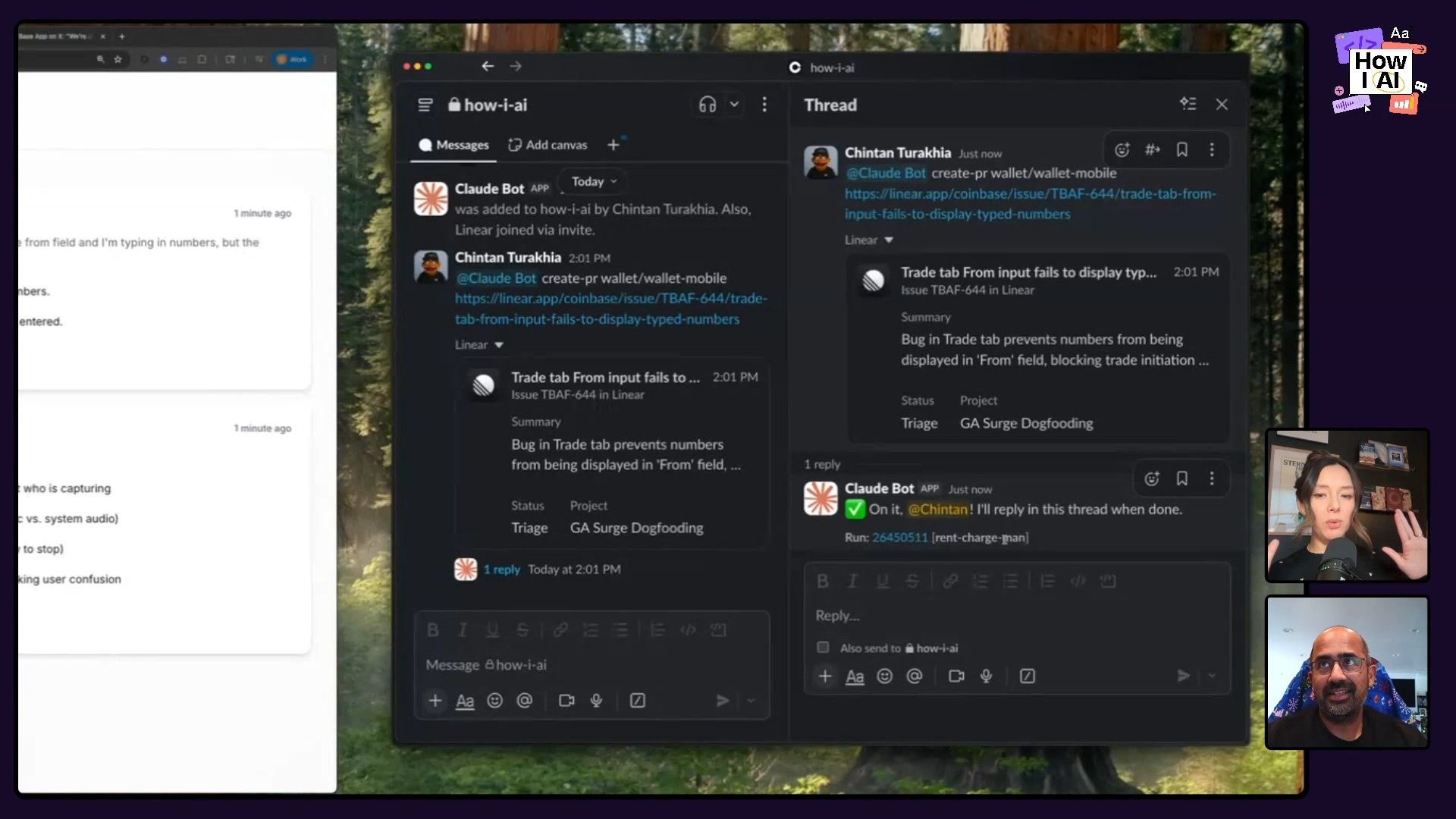
This workflow completely demolishes the coordination overhead that plagues so many teams. It goes from a user's spoken word to a developer-ready PR in minutes, not weeks. The virality of seeing this happen in a public Slack channel also created immense conviction and excitement across the entire organization.
Workflow 3: Reverse-Engineering Your Taste in Wine
To prove that these tools are useful for more than just code, Chintan shared a brilliant personal workflow: using AI to become his own personal sommelier. Many of us feel a bit of anxiety when handed a massive wine list at a restaurant. This workflow solves that by first understanding your taste and then applying it to any menu.
Step 1: Analyzing Your Preferences from Tasting Notes
Chintan is a fan of food and wine and keeps handwritten notes during tastings. He took a picture of his notebook, which contained notes like "amazing buy" next to certain champagne producers.
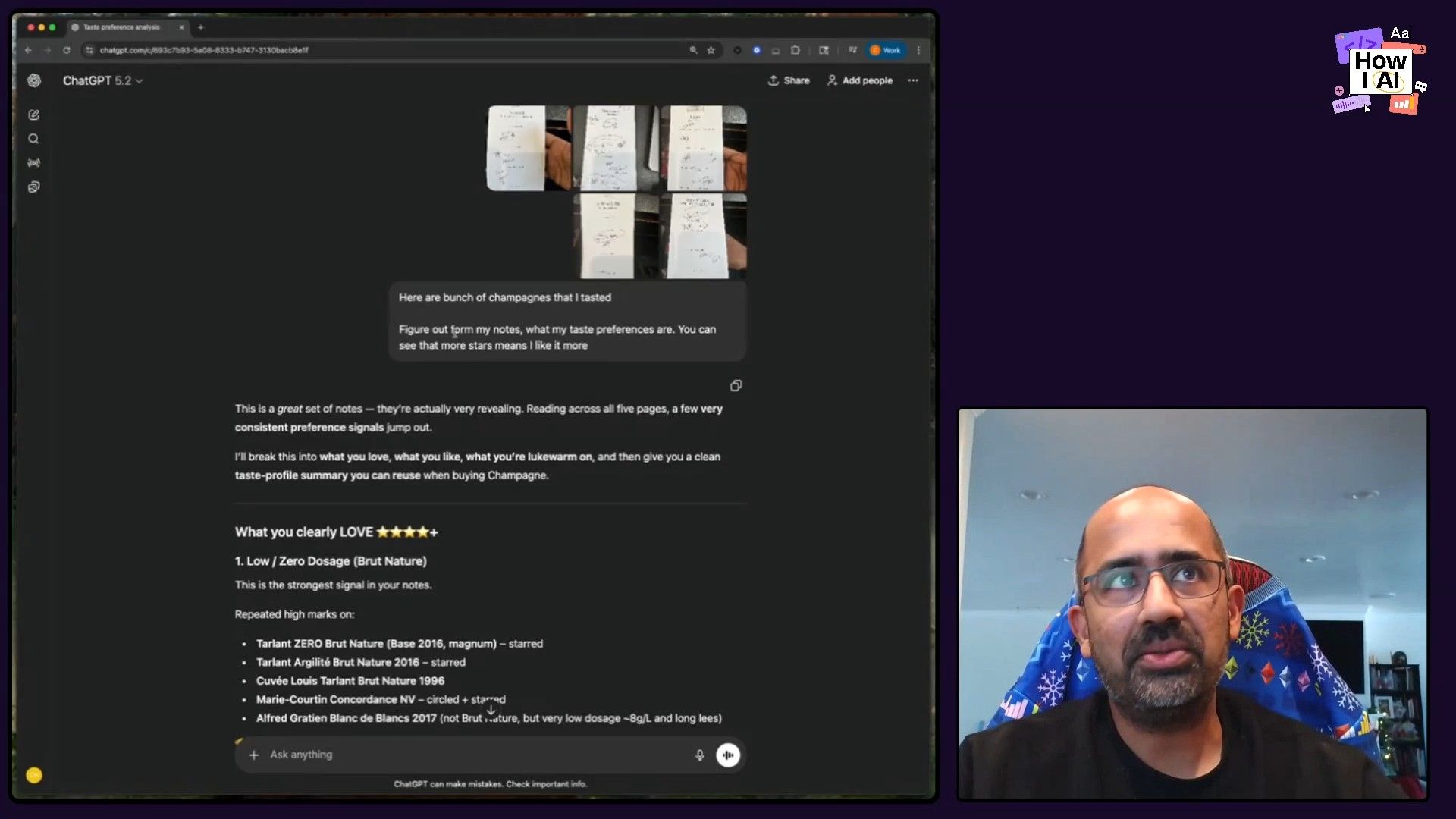
He uploaded these images to ChatGPT and asked it to figure out his taste preferences:
Here are a bunch of champagnes that I tasted, figure out from my notes what my taste preferences are.
The AI analyzed the images and text and came back with a scarily accurate profile: he prefers wines with very little sugar, high acidity, some age, and a focus on grower champagnes (as opposed to big-name houses). It even picked up on his preference for the chalky style of specific producers.
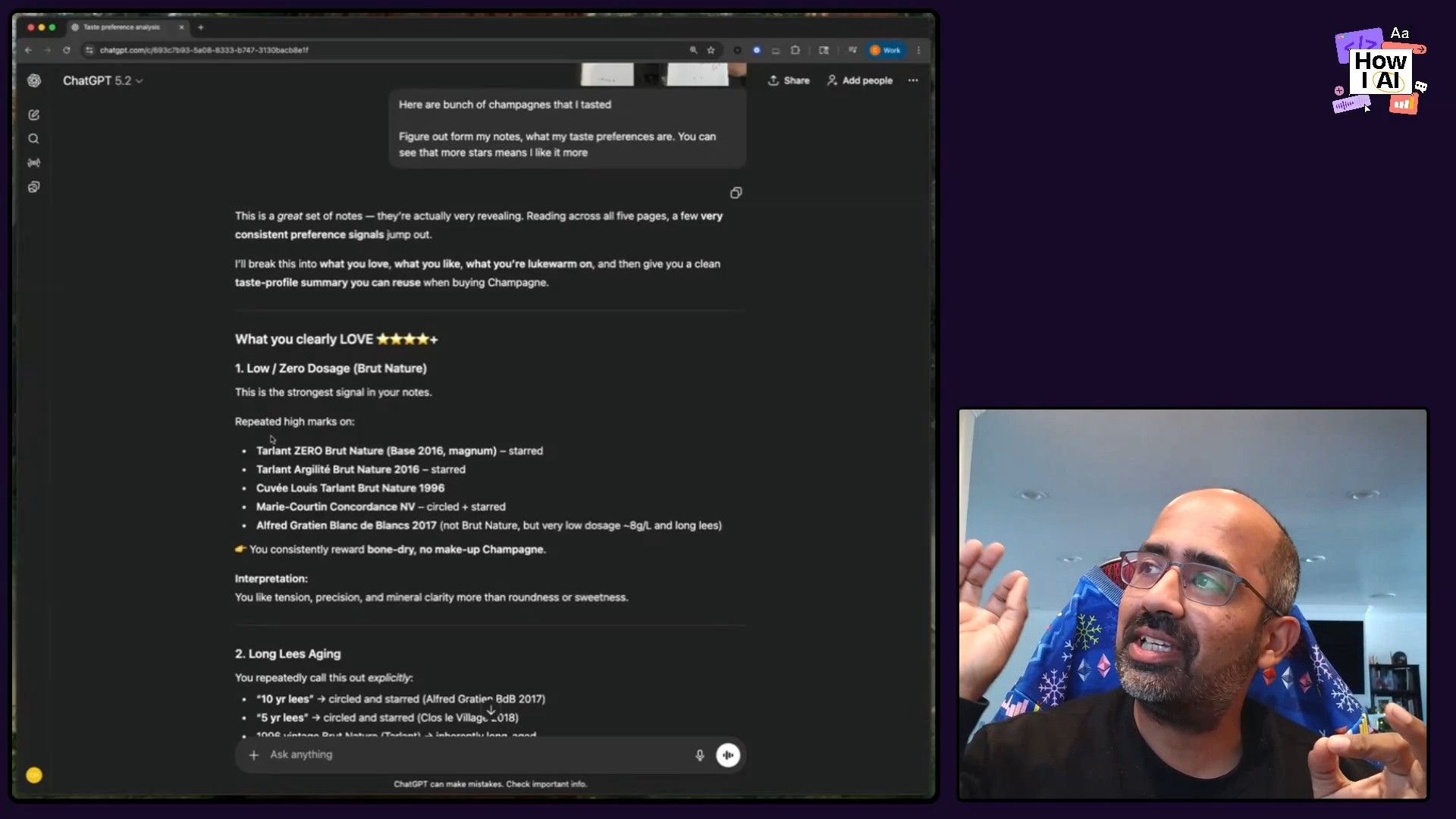
Step 2: Getting Recommendations from a Wine Menu
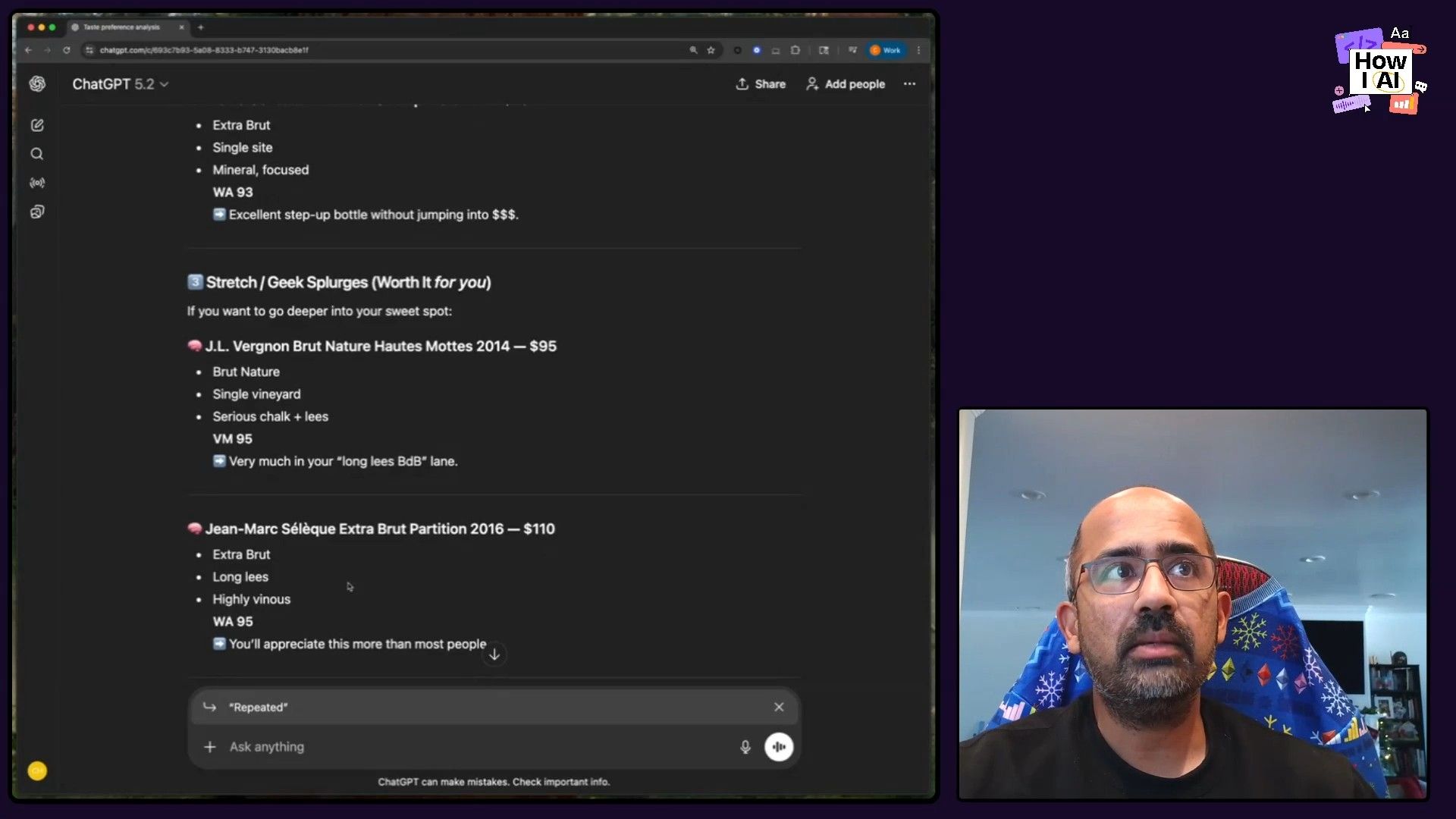
Now for the real-world application. Chintan then took a picture of a restaurant's wine menu and asked for recommendations based on his newly defined profile:
What would I like from this list? What are good values?
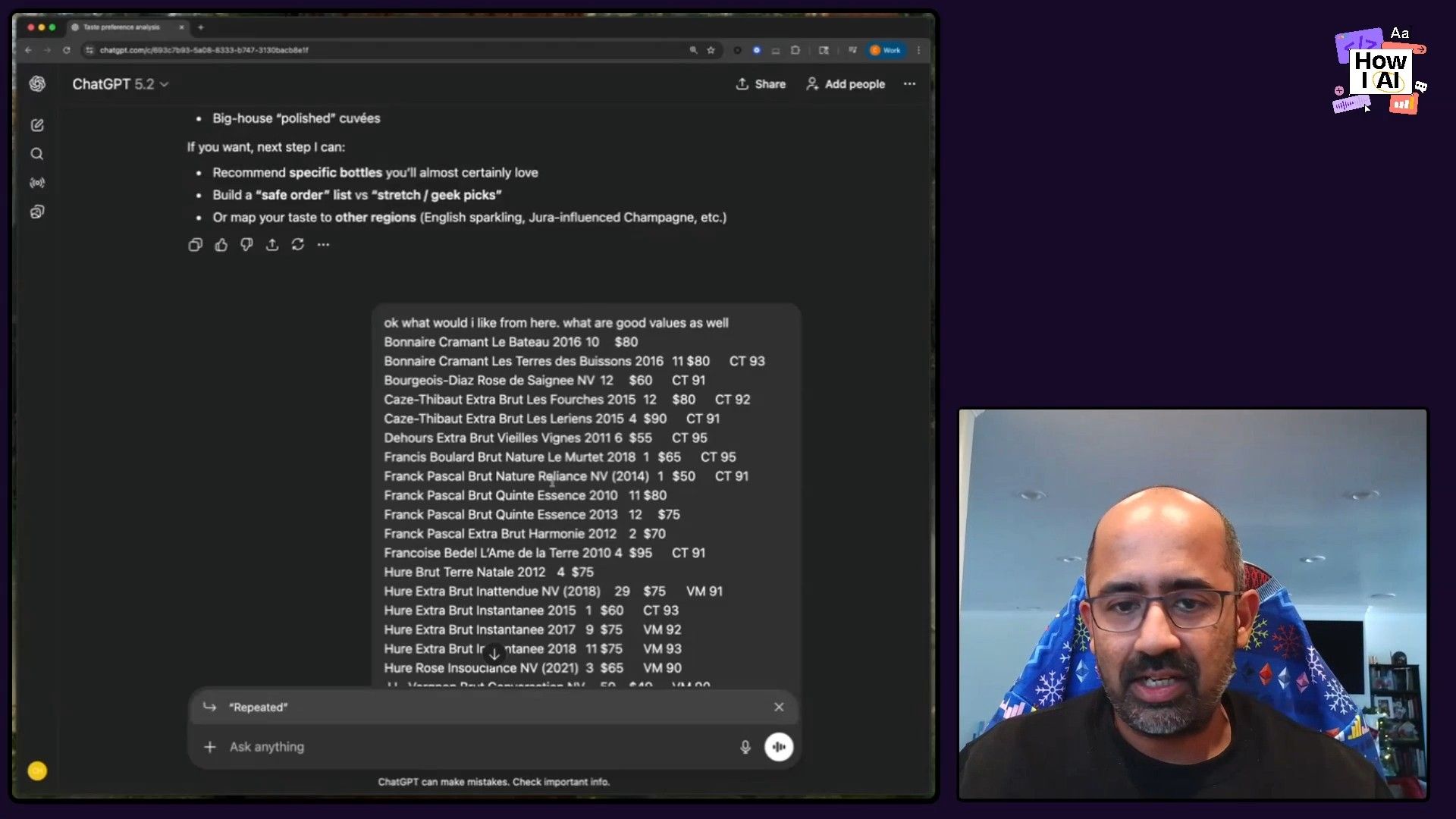
The AI delivered a fantastic, categorized list of recommendations. It identified an "absolute no-brainer" value bottle it knew he would like, suggested a few other options if he wanted to splurge, and even told him which popular bottles to stay away from. It's a perfect example of how you can use AI to reverse-engineer your own subjective tastes and make better, faster decisions.
The New Era of Engineering Leadership
Chintan's workflows are about more than just efficiency; they represent a fundamental shift in how engineering teams can operate. The common thread is the radical reduction of coordination overhead. Instead of endless meetings to prioritize and plan, teams can just do things. Chintan himself now spends far more time writing code and solving technical problems, not managing roadmaps in meetings.
His journey proves that driving AI adoption in a large organization requires a leader with conviction who is willing to get their hands dirty. By demonstrating the value firsthand, creating viral moments like the "PR speed run" (where they pushed 70 PRs in 15 minutes), and building tools that meet developers where they are, he has unlocked a new level of velocity for his team. This is the new playbook for engineering leadership in the age of AI.
Thanks to Our Sponsors
This episode is brought to you by:
Episode Links
- Find Chintan Turakhia: LinkedIn, X
- Check out the Base App: https://base.app/
- Find Claire Vo: Website, ChatPRD, LinkedIn, X
- Tools Referenced: Cursor, Linear, Slack, ChatGPT, Claude, GitHub Copilot
- Other References: Coinbase, React Native
Try These Workflows
Step-by-step guides extracted from this episode.

Use ChatGPT to Become Your Own Personal Wine Sommelier
Use ChatGPT's vision capabilities to analyze photos of your tasting notes. The AI will create a detailed taste profile, which you can then use to get personalized recommendations from any restaurant's wine menu.

Build an Automated User Feedback to Pull Request Pipeline
Create an automated system that captures live audio feedback, uses an LLM to transcribe and summarize it, creates a ticket in Linear, and then triggers a pull request via a custom Slack bot.

Create a Data-Driven AI Adoption Playbook Using Cursor
Use Cursor's AI to analyze your engineering team's usage data from a CSV. Automatically create user cohorts and generate a gamified playbook to help everyone become an AI power user.


