How I AI: Yash Tekriwal on Taming Slack with a Custom AI-Built Dashboard
Learn how Yash Tekriwal, Head of Education at Clay, built a custom Kanban-style dashboard with Perplexity Computer to triage 150+ daily Slack notifications into 30 actionable items, and how you can build your own micro-software too.

Claire Vo

In every workplace, there's a universal truth: Slack is where work happens, and it's also where focus goes to die. I often wake up to a sea of red notification badges, and the task of just figuring out what’s important can feel like a job in itself. That’s why I was so excited to sit down with Yash Tekriwal, the Head of Education at Clay. Yash is a self-described “hyper-optimizer” who was facing an extreme version of this problem, with over 150 Slack notifications waiting for him every single morning.
Instead of just surrendering to the chaos or declaring notification bankruptcy, Yash decided to build his way out. In this episode, he walks us through his journey from a simple, text-based Slack digest to a full-fledged visual dashboard that feels like Superhuman for Slack. It's a fantastic example of how you can use AI not just to summarize text, but to build deterministic, functional software tailored perfectly to your own brain.
We get into the weeds of his workflows, starting with using OpenClaw to create a smart digest and then leveling up with Perplexity Computer to build an interactive UI. He also shares how his team at Clay is using these same principles to prototype new product experiences. This conversation is packed with actionable insights on building your own personal productivity tools and a glimpse into the future of micro-software.
Workflow 1: Building a Text-Based Slack Digest with OpenClaw
Yash’s journey began with a clear problem: not all notifications are created equal. A DM from me to schedule our recording is urgent; a fun comment in a dog channel is not. Yet, Slack treats them with the same level of alert. His first step wasn't to ask an AI to “make Slack easier,” but to first envision a better system.
His ideal world involved two layers of categorization:
- By Source: DMs, Group DMs, Threads, and Group @mentions.
- By Urgency: Action Required, Need to Read, and FYI (For Your Information).
Yash realized that about 60-80% of his notifications were just FYIs. If he could filter those out, his daunting list of 150 notifications would shrink to a manageable 30-40.
Step-by-Step: The OpenClaw Process
Yash decided to use an AI agent to build this system, turning to OpenClaw hosted in Discord (he prefers Discord over other platforms for its excellent threading and search capabilities).
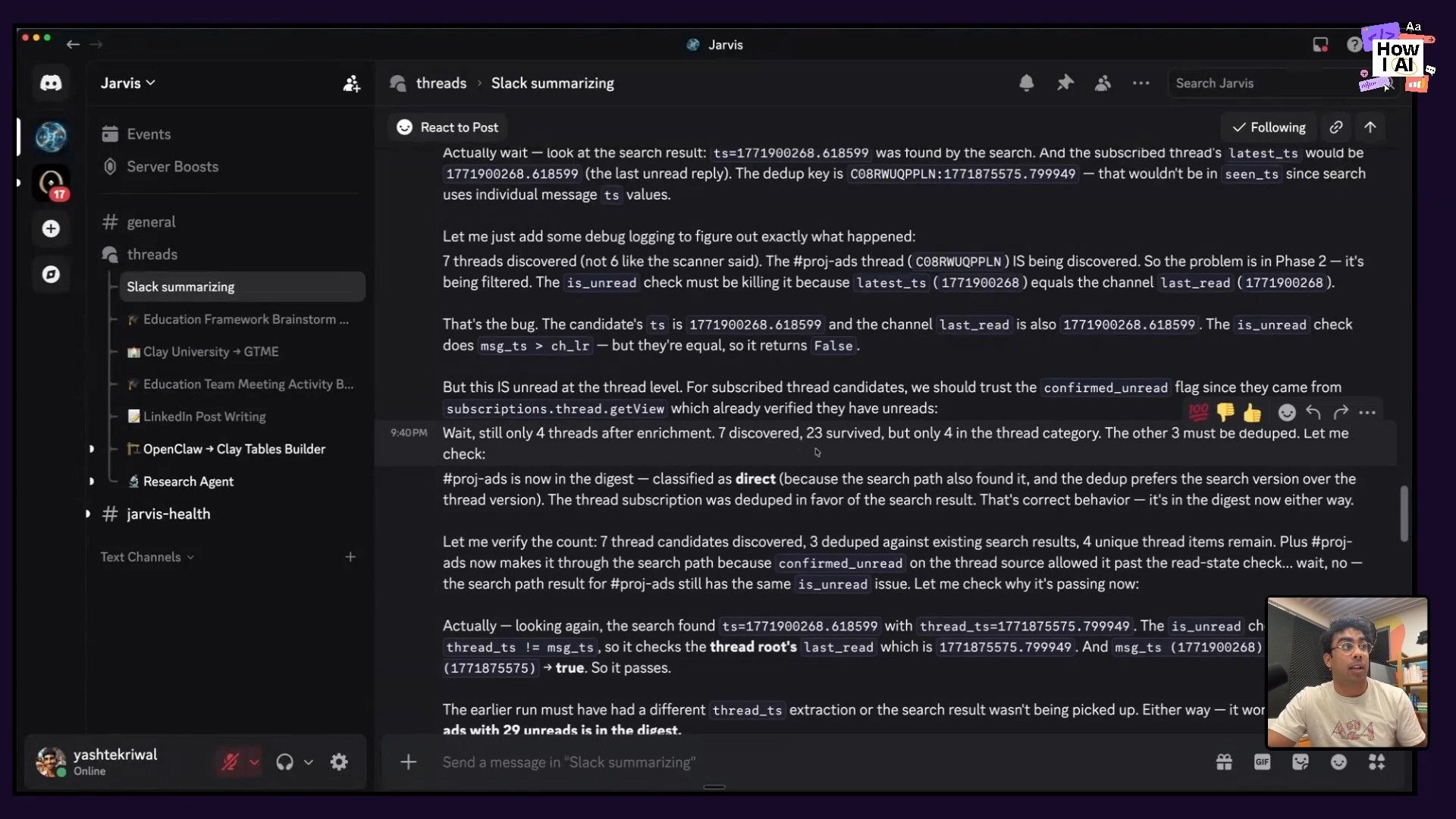
- Reverse-Engineering Slack: He kicked off a long conversation with his agent, which he calls Jarvis. The first task was to understand Slack's notification logic. This involved digging into how Slack uses timestamps (
ts) to track read/unread status for messages and threads. This is the kind of tedious work that's perfect for an AI assistant. - Coding the Digest: Through a back-and-forth that he said took about a full day and thousands of messages, he guided Jarvis to write code that would:
- Pull only messages that generated a notification for him.
- Check timestamps to avoid pulling context he'd already seen.
- Group the messages into his four desired source buckets (DMs, group mentions, etc.).
- Applying AI for Categorization: This is a key insight Yash shared. Most of the system is deterministic code—it's just organizing information based on clear rules from the Slack API. The only part where AI is used in an ongoing, interpretive way is the final step: categorizing each message into "Action Required," "Need to Read," or "FYI." This is a great example of using AI for a subjective task (understanding intent) versus a deterministic one (organizing data).
The result was a daily digest posted in a dedicated Slack channel. It was a huge improvement, grouping everything logically with emojis. But it was still a wall of text that required scrolling through multiple screens to see everything. It was more effective, but still draining.
Workflow 2: From Text to a Visual Dashboard with Perplexity Computer
The text digest was a great V1, but Yash wanted something more. He dreamed of a clean, interactive UI—a real piece of software. This is where Perplexity Computer came in.
He took the output from his Jarvis digest and fed it to Perplexity Computer with a simple goal: turn this text-based list into a visual dashboard. He was blown away by how quickly it worked, getting 80% of the way there in just the first few messages.
Yash highlighted why Perplexity Computer was the right tool for this job, particularly over alternatives like Claude Code or Codex:
- Ensemble Orchestration: It uses a mix of the best models for each sub-task. He showed how it used Sonnet for fetching data, Gemini for planning and Python coding, and then Opus for the more complex reasoning required to build the final app. This removes the frustrating loop of re-prompting a single model that gets stuck.
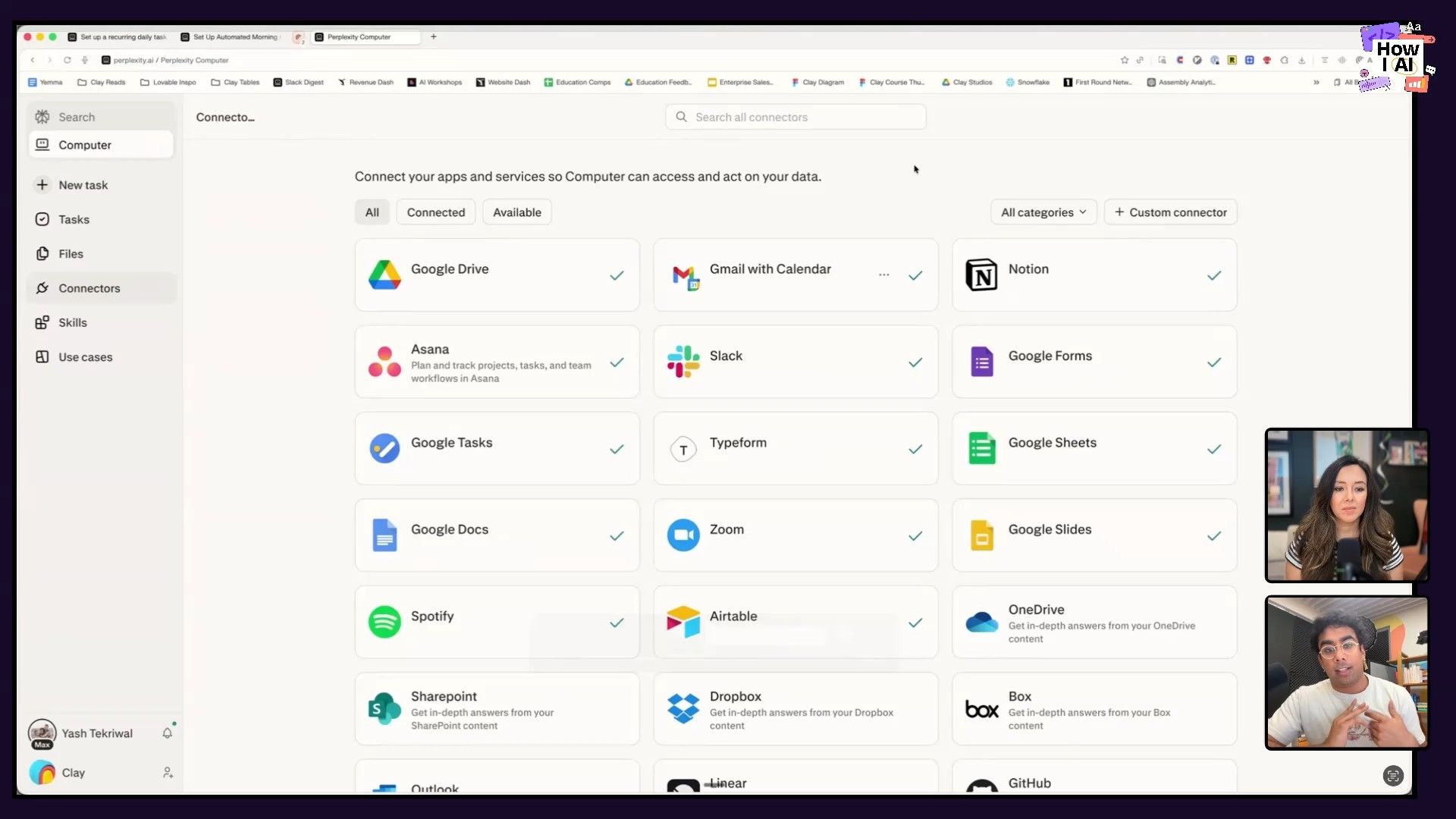
- Cloud-Native with Connectors: Because it’s in the cloud, it has native connectors to apps like Notion, Asana, and Gmail. You don’t have to re-authenticate or set up skills for every task. It just works.
- Concurrent, Long-Running Tasks: You can kick off multiple tasks in parallel and let them run in the background, which is a simple but powerful advantage over chat-based coding interfaces.
The Result: The Kanban-Style Slack Dashboard
What Perplexity Computer built is fantastic. It's a clean web app that displays his Slack notifications in a three-column Kanban board layout:
- Red (Left): Action Required. Urgent items he needs to respond to.
- Yellow (Middle): Need to Read. Important context he should be aware of.
- Green (Right): FYIs. The low-priority updates.
He can filter by his original categories (DMs, threads, etc.), and each item links directly to the message in Slack. But the most magical part is the "Archive All" button for the FYI column. Clicking it not only clears the items from his dashboard but also marks them as read in the Slack app, instantly vanquishing dozens of notifications. That's a huge win.
Workflow 3: Creating a Personal Command Center
Yash didn't stop with Slack. He applied the same methodology to build a consolidated personal dashboard that pulls in updates from three sources:
- AI News: To stay on top of the industry.
- Email: Key communications from his inbox.
- Slack: Mission-critical messages.
The process was the same. First, he created a text-based digest to ensure the data was being pulled correctly. Then, he asked Perplexity Computer to build a UI, which again defaulted to a clean Kanban view. The final step, which he was still working on, was adding deep links back to the original sources for each item, turning the dashboard from a summary into a true interactive command center.
This workflow shows how you can create your own custom software that reflects your personal mental model of work. It’s not about replacing tools like Slack or Gmail; it's about building a personalized layer on top of them.
Workflow 4: Prototyping a Website Redesign
Perhaps the most compelling use case Yash shared wasn't even his own. A teammate, Chris Ming, used Perplexity Computer to tackle a design challenge for Clay University, their educational hub.
The team wanted to create persona-based learning journeys for different user types (e.g., Rev Ops, SDRs, Marketing Ops). This is a significant redesign, and communicating the vision to the design team can be difficult. Trying to use a tool like Figma would require them to describe the existing site from scratch.
Instead, Chris prompted Perplexity Computer. Because it has browser access, it could see the live Clay University website. After about an hour of back-and-forth, it generated a functional prototype.
The prototype, while not pixel-perfect, was functionally what they wanted. It showed the different persona tracks on the homepage and even mocked up a logged-in view for a user, showing their progress and next suggested courses. This visual artifact became an incredibly powerful bridge, making it easy for the education team to show, not just tell, the design team what they envisioned.
The Future is Micro-Software
Yash’s workflows are a perfect illustration of a trend I’m incredibly excited about. For years, as a product manager, I've had to say "no" to countless customer requests for small, niche features. The business case just wasn't there. Now, we're entering an era of micro-software. With tools like Perplexity Computer, anyone with a good idea can build a small, useful app to solve their own problem—or even turn it into a small business. As Yash said, he’d happily pay someone $15 a month to maintain his Slack app so he doesn't have to.
This is the power of my "anti-to-do list" framework in action. Identify the repetitive, draining tasks you never want to do again, and spend an hour a day using AI to automate them. Yash never wanted to manually sort through 150 Slack notifications again, and now he doesn't have to. What’s on your anti-to-do list?
A Note on Prompting: Threaten the Model
I always ask my guests how they handle it when AI isn't cooperating. Yash had the most honest answer I’ve heard yet: he threatens it. He types in all caps and explains the dire, (fictional) negative consequences that will occur if it fails. "I'm gonna lose my job. I'm gonna have to fire my team..." He says the more extreme the example, the more the model seems to focus and get it right on the next try. It's a hilarious and unusually effective technique that plays on the model's reward specification training. So next time you're stuck, don't be afraid to get a little dramatic.
***
A big thank you to our sponsors for making this episode possible:
- Guru—The AI layer of truth: Visit Guru to learn more.
- Thoughtspot: Visit Thoughtspot to learn more.
***
Episode & Guest Links
- Watch on YouTube: https://youtu.be/tvD1LY4InIk
- Listen on Spotify: https://open.spotify.com/episode/3mlfv0lJkDdqMhAyhGLczN?si=nZxvq761Q2-DlUVJgxF-_A
- Listen on Apple Podcasts: https://podcasts.apple.com/us/podcast/i-built-a-custom-slack-inbox-it-was-easier-than/id1809663079?i=1000760237644
Find Yash Tekriwal:
- LinkedIn: https://www.linkedin.com/in/yashtekriwal/
- X: https://x.com/yash_tek
- Company: https://www.clay.com/


